Launch
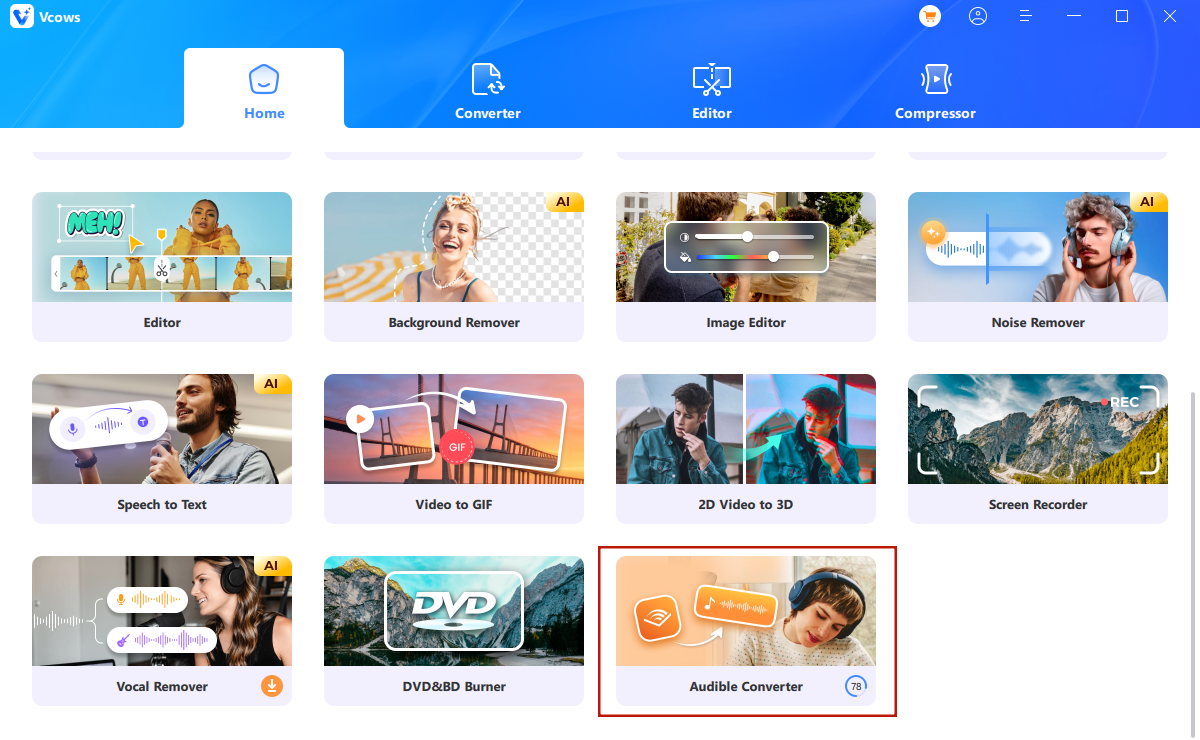
Launch Vcows Video Converter.choose Audible Converter from the Toolbox.
Best AA/AAX to MP3/M4B Converter for Audible Users
More than 0 fans use Vcows now!
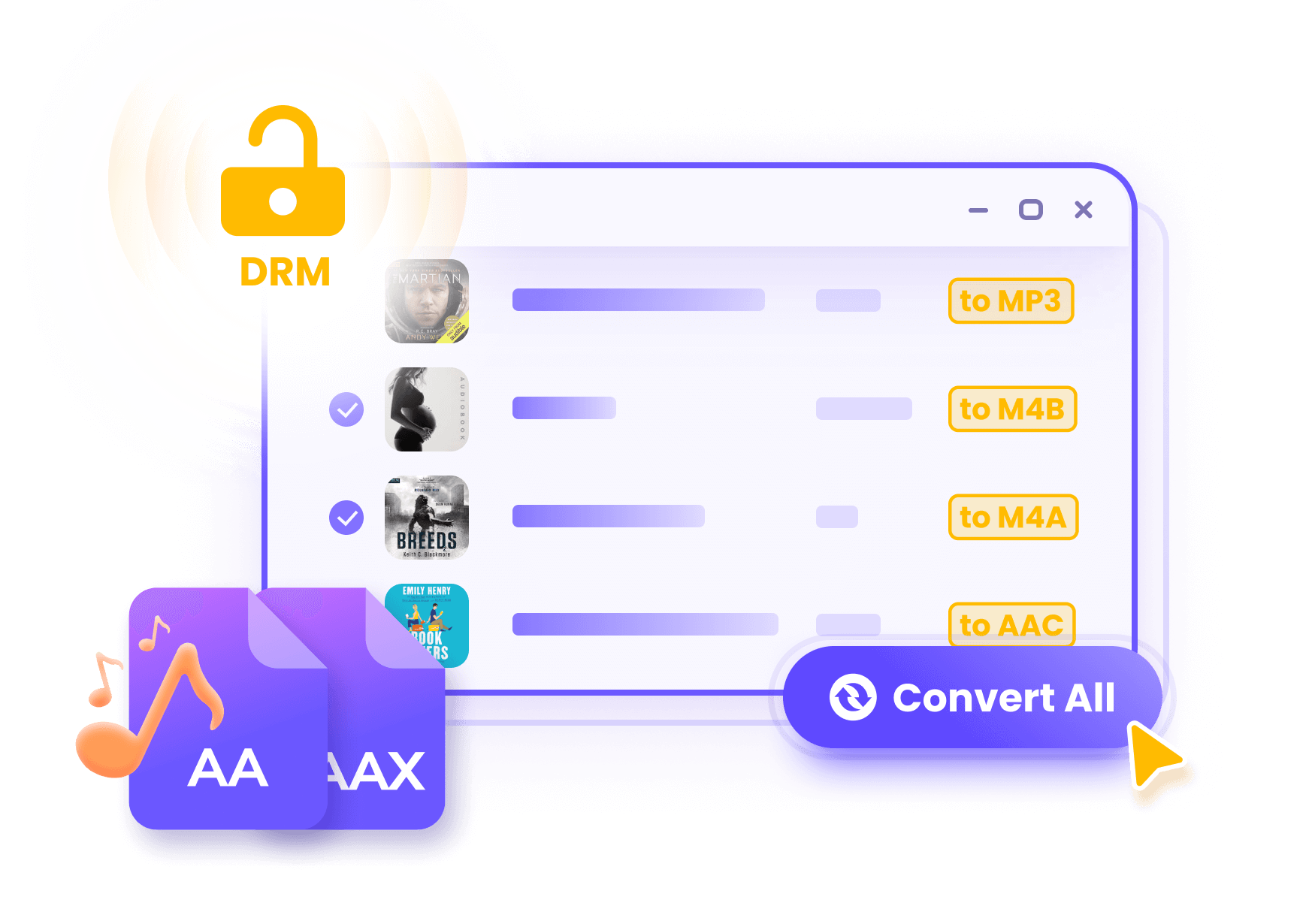
Vcows Video Converter enables you to get rid of DRM protection and convert AA and AAX audiobooks to MP3. You don't have to authorize your Audible account but straightforwardly put your Audible AA, AAX files to the software and then Vcows will deal with everything. After conversion, you can enjoy the audiobook on any device like iPod, Kindle, Sony Walkman, iRiver and other iOS, Android mobile phones or tablets
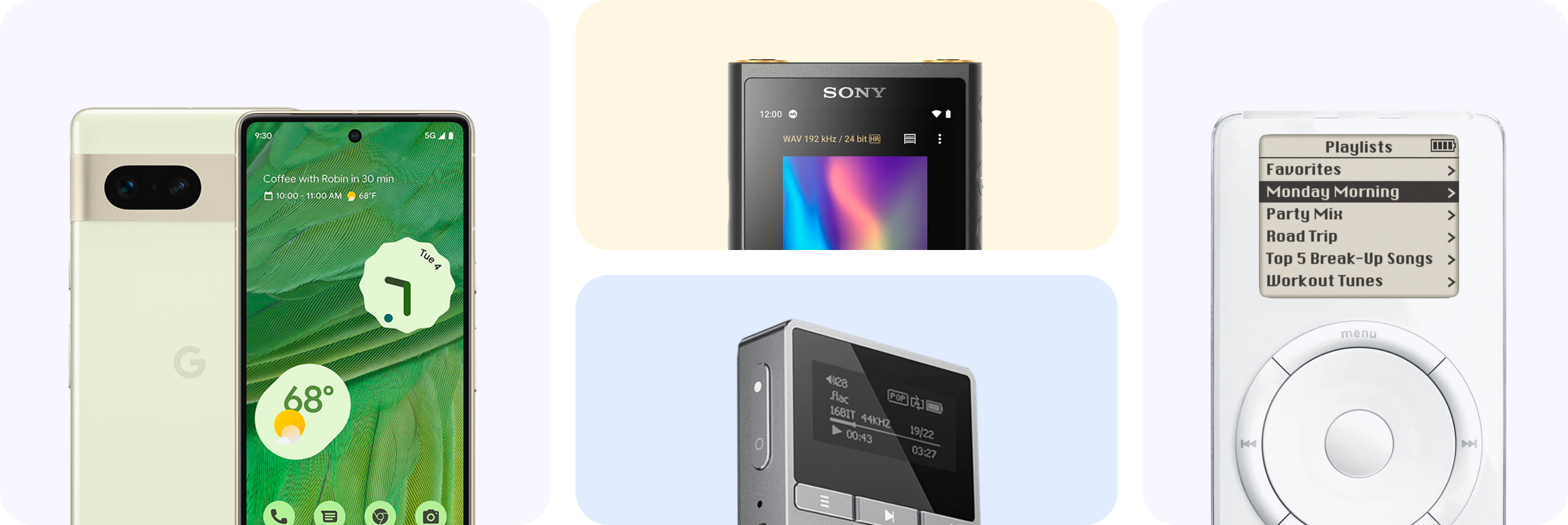
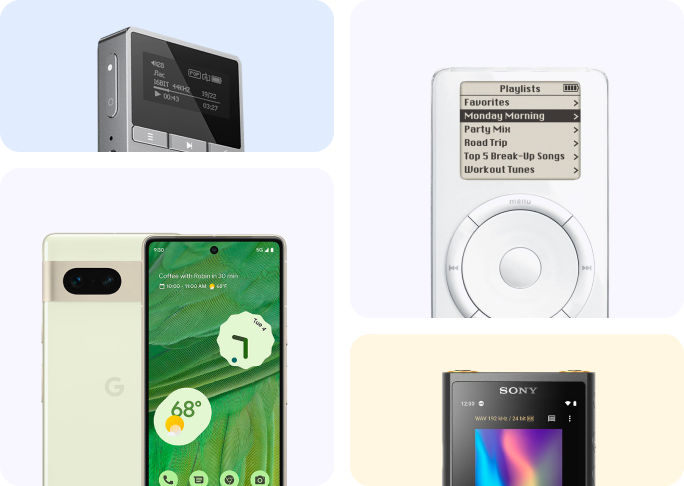
Besides MP3, Vcows supports more than 100 output formats. No need to worry about formats compatible issue. You can convert locked Audible files to MP3, M4B and other formats like: A52, AAC, AC3, AIF, AIFF, AMR, ANX, AOB, APE, AQT, ASX, AXA, DTS, FLAC, M2A, M4A, MKA, MLP, MOD, MP1, MP2, MP3, MPA, MPC, OGA, OGG, OMA, RA, RAM, SPX, TTA, VOC, VQF, WAV, WMA, WV, XA, XM, etc.
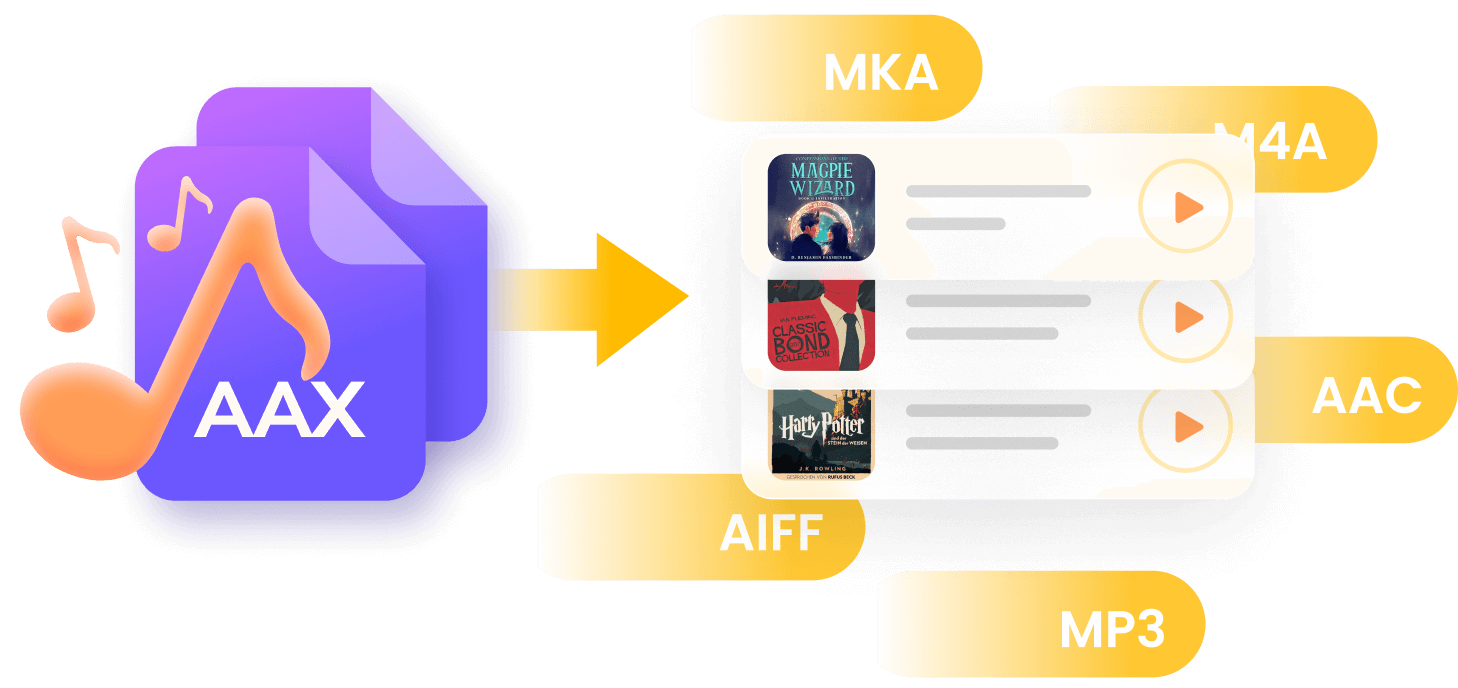
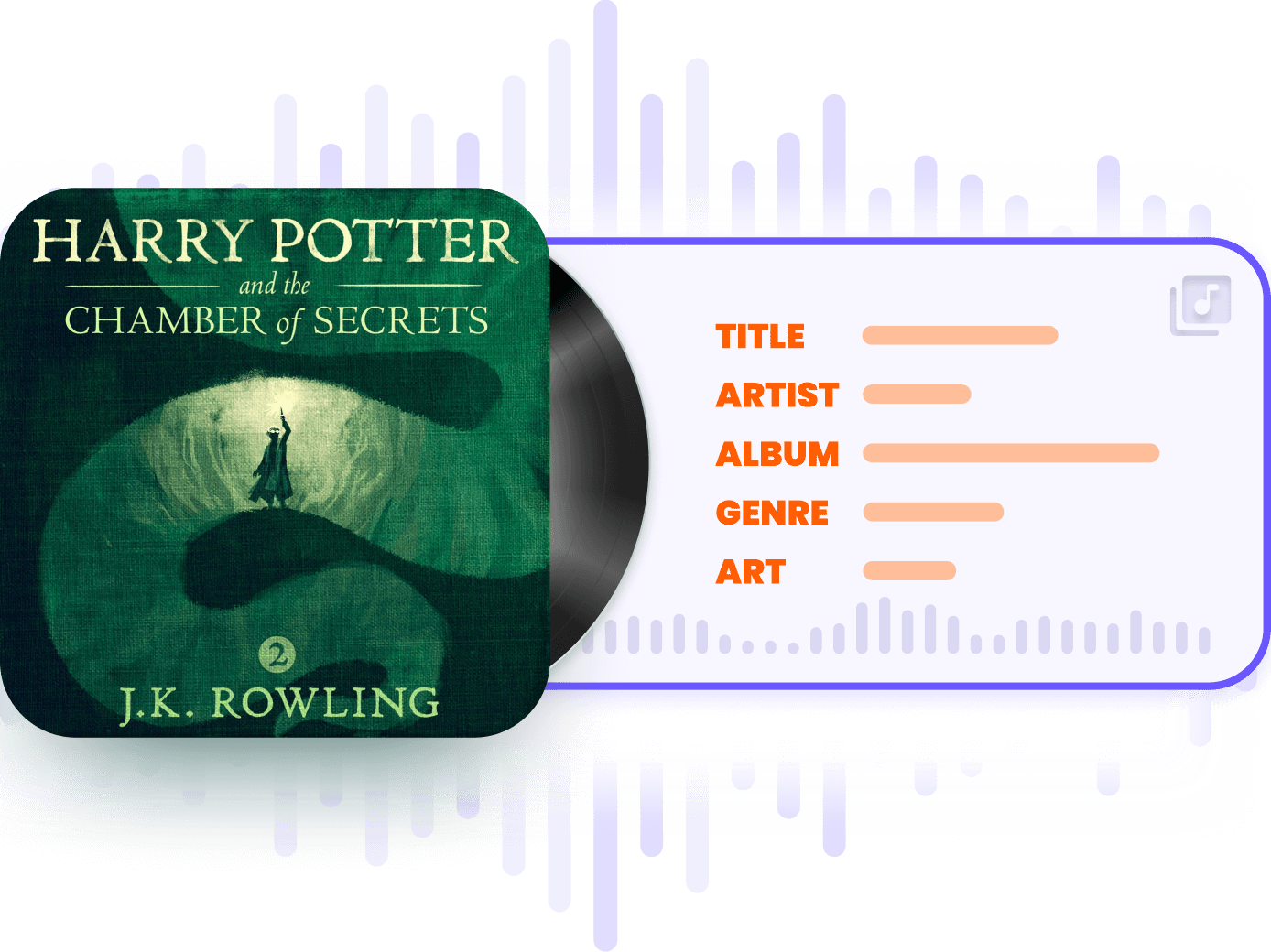
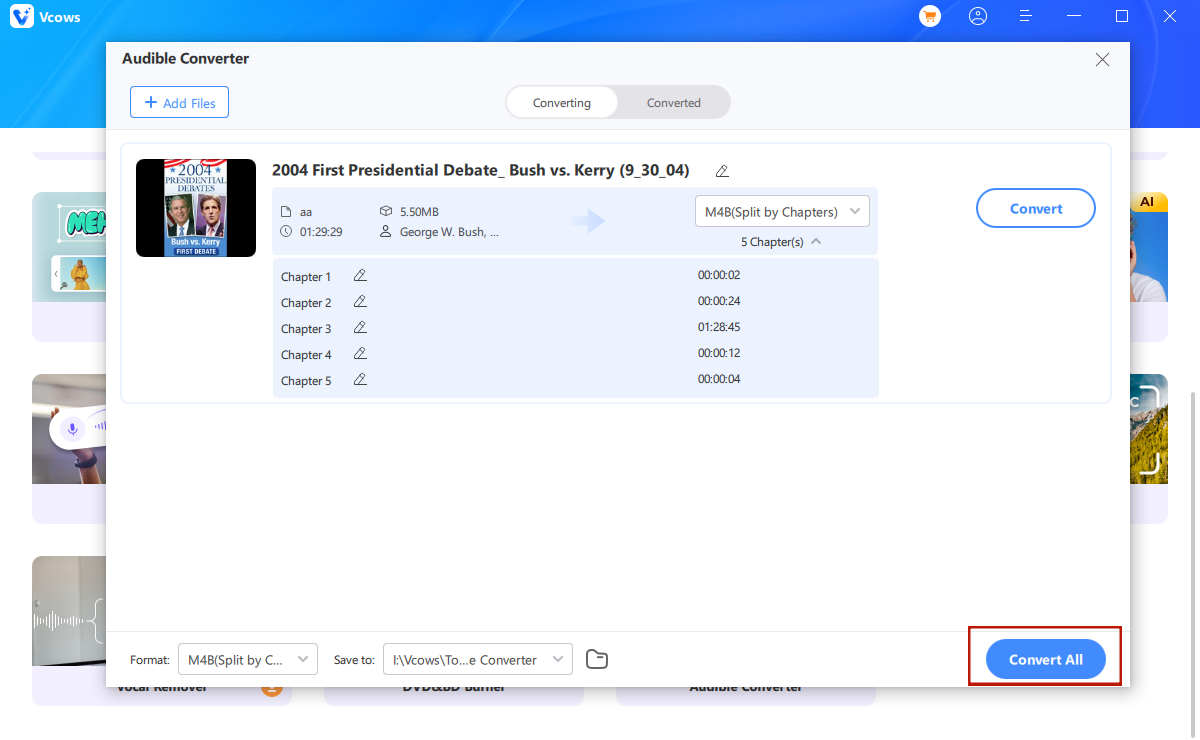
Vcows Video Converter will convert Audible file lossless with 100% original quality. No need to worry about quality loss. And it will keep Chapter info and ID3 tags, such as book cover, title, etc. if you output them with M4B format. Therefore, you can easily switch the chapter while playing the audiobooks.

Batch conversion
More than 1000 audible books can be convert one at a time with lightning speed.

120X Faster Conversion
New multi-threaded GPU acceleration technology makes the speed quicker than ever.

100% Safe Guaranteed
This DRM removal program is 100% clean and safe. No malware or any bundled software.

16 Language Support
16 language are available, English, French, Japanese, German, Spanish, Korean, Italy, etc.
Convert video, audio, image up to 1000+ formats
Resize videos automatically. No editing skills are required.

Converts HEIC to JPG/PNG without losing quality
Remove vocals from a song for karaoke with the advanced AI Algorithm
Launch Vcows Video Converter.choose Audible Converter from the Toolbox.
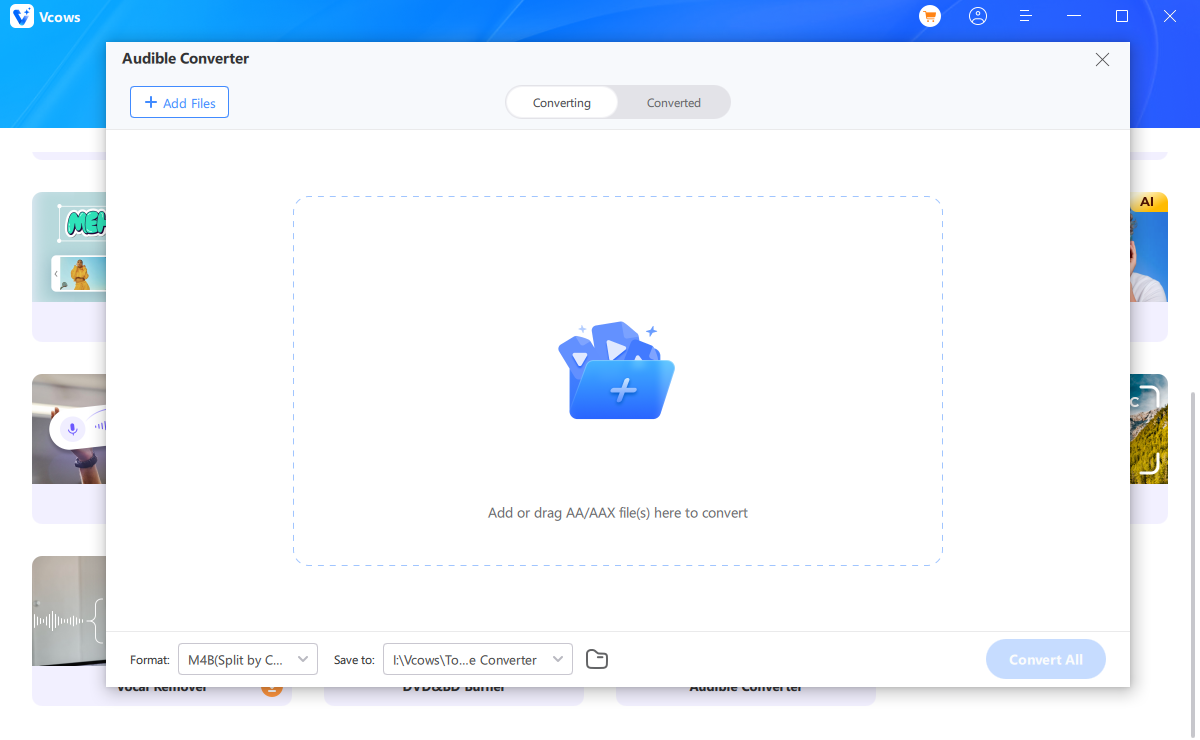
Click Add files to add AAX/AA files from computer.
Choose output format and click Convert button. The M4B format will keep chapters.
Glad to find this powerful tool to help download my favorite Audible books to my phone and MP3 player. I like its well-designed and intuitive user interface the most. No redundant buttons and no pro skills are required.

It is really an all-in-one video toolkit. But only video converter, but can get audio from Audible, Spotify, Deezer and even Apple Music. Fantastic. Highly Recommended.

You must have this tool. I download the audio books and enjoy it on my phone, iPad and share it with my classmates. Really charming. Great tool.

I've been looking for a tool to convert my dozens of MKV files into MOV files to play on mac. I've tried online tools but it takes hours to convert a file and requires me to subscribe over a certain file size. Eventually I found Vcows Video Converter for Mac, which can batch process my MKV files to MOV on Mac efficiently by enabling hardware acceleration, and even it reduce file size without losing quality.

Apple Music provides a great music experience, but it can only be played on Apple-authorized devices, not MP3 players or PSP, TV, etc. I was seeking a way to play Apple Music on MP3 players and notied that there are Apple Music converters in the market. I tried Vcows Video Converter and it successfully converts my M4P files to MP3. Just remind that you shoul dnot use the software for commercial use.

I have many mts files and I need to change the container to another more user friendly type like MP4 or MOV. I was seeking suggestions and was recommended Vcows Video Converter. I tried it out and found it perfectly suited my needs. It has a neat interface, supports batch processing and GPU acceleration. Morever, it has built-in rich editing features that I can edit my video in bulk.


Cover 20+ AI video tools in one toolkit for your video, audio and image creativity.

Step 1:

Click the icon to open the download list


Step 2:
Click the downloaded file to install