Best Video & Image
Compressor
AI-Powered
Higher quality, quicker speed, less CPU
- Compress videos up to 8K and lower resolutions without losing quality
- 1000 + video formats supported. MP4, AVI, MOV, and more
- Compress multiple files with just one click. Up to 100G support
- Various customize settings to meet any of your requirements
- Preview your video before and after compression

Compress videos without losing quality and without size limitation
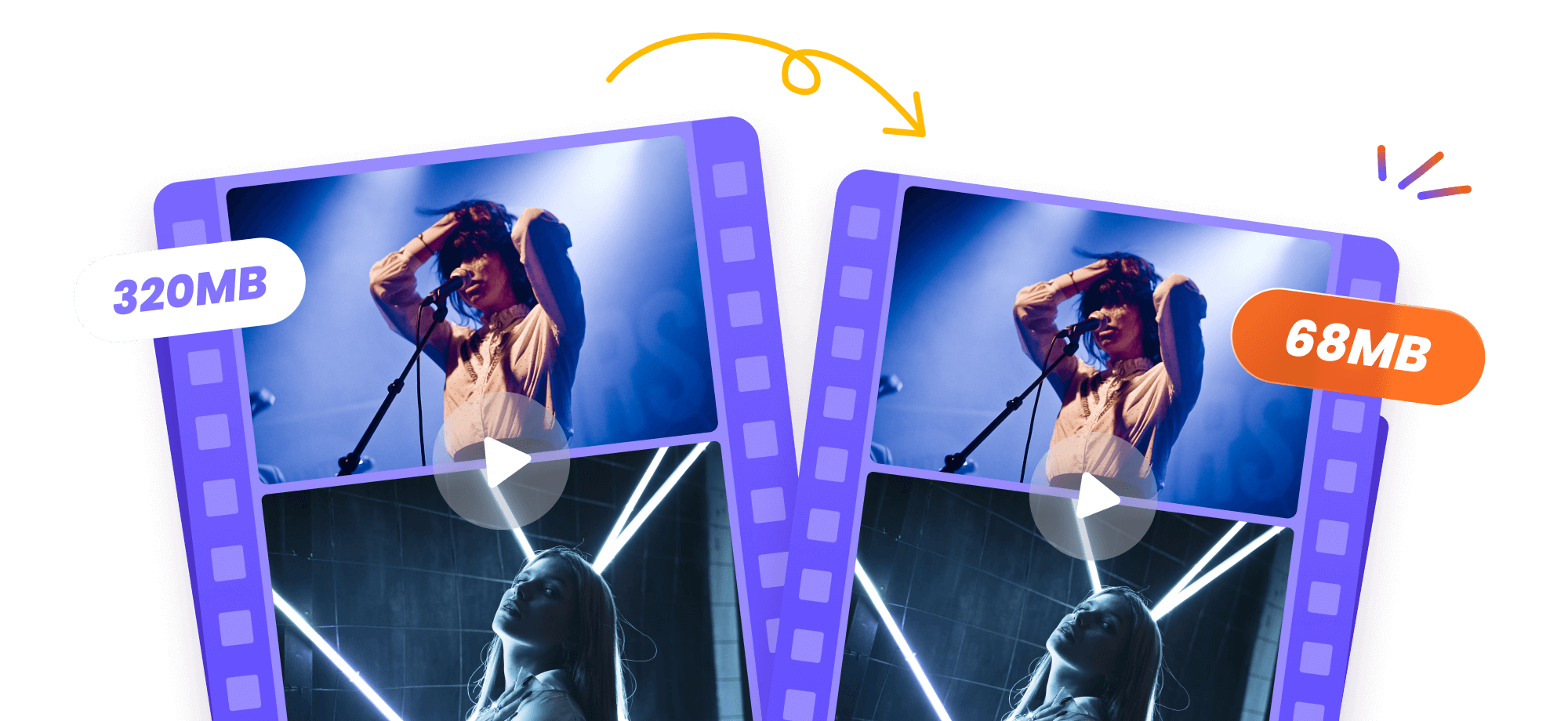
Vcows Video Compressor compresses your video files to the minimum possible size with no noticeable loss in quality. You can define the file size with compression level. Three quality options are available: Original*100%, Original*50%, Original 25%. You can adjust the slider to achieve your desired output. Compress the file size as small as possible without lossing quality. And you can compress videos up to 100G.
Compress videos for email easily
Oftentimes when we're trying to send video via email to others, we're hit with a pop-up window notifying us that we've exceeded our file size limit (usually 20MB-25MB). You can compress your videos to a small enough size, sometimes as small as 10MB in a matter of seconds. And then send & share via email. The process takes only a few minutes. Quicker as ever.


Compress video for WhatsApp sharing
The maximum file size allowed for all media (photos, videos or voice messages) to be sent or forwarded through WhatsApp is 16 MB on all platforms. To say goodbay to size limitation, Vcows video compressor can help. It compress large HD & 4K videos. 1000+ video formats supported: MP4, MKV, AVI, MOV, and also 3GP.
Compress a video to share on
any platform
Whether you’re compressing your videos on macbook air or windows 10, You can export the videos to any formats that are compatible with imovie, vlc, quicktime, YouTube, twittter, Facebook, Instagram, Google Slides, or Discord, Vimeo, Likee, TikTok and more.
More than video & image compress
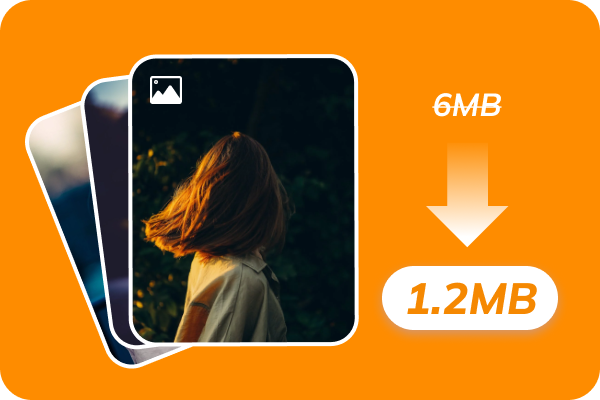
Image Compressor
Compress image without
quality loss

Vocal Remover
Extract audio from songs
Video Converter
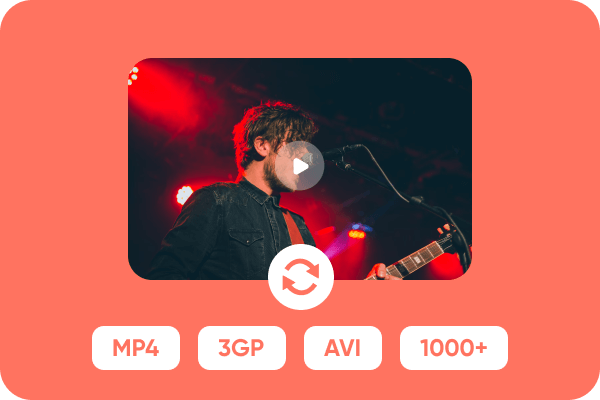
Convert video and audio in 1000+ formats
Image Converter
Convert & edit image formats including JPG, PNG etc
Compress & convert video/audio/image to over 1000 formats
&
output formats supported
How to compress videos
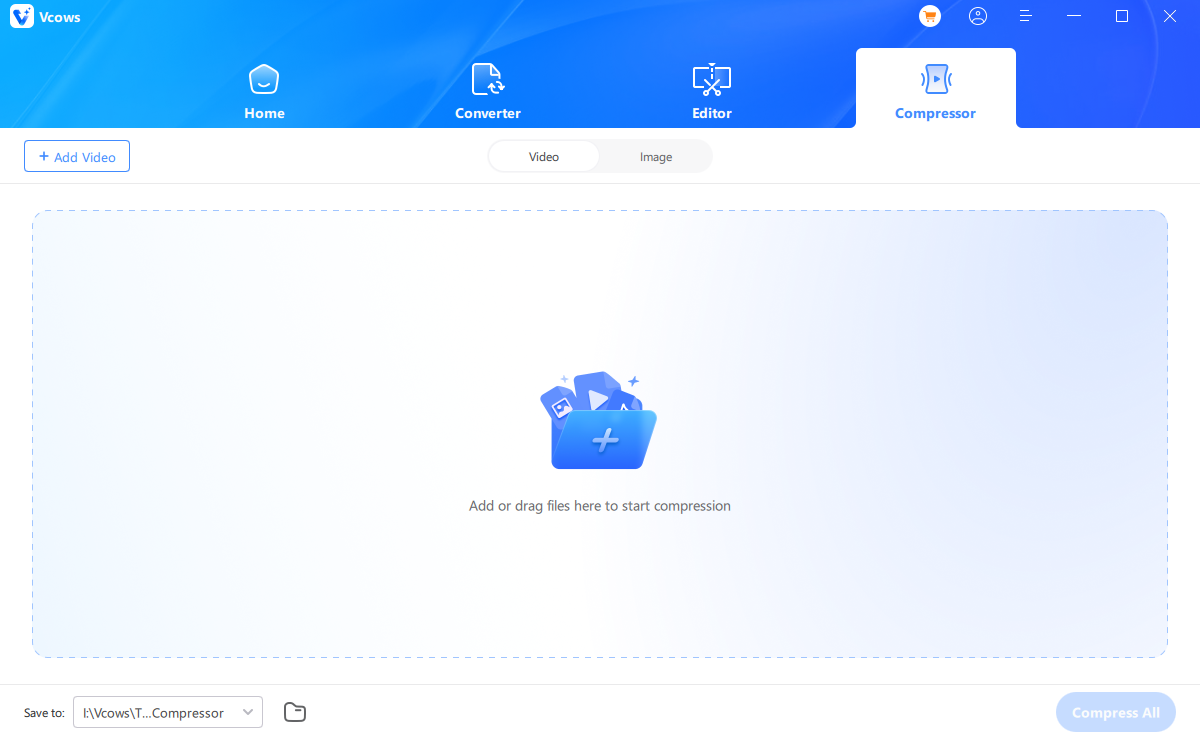
Choose image converter
Run Vcows Video Converter. Switch to the Toolbox and choose Image Converter
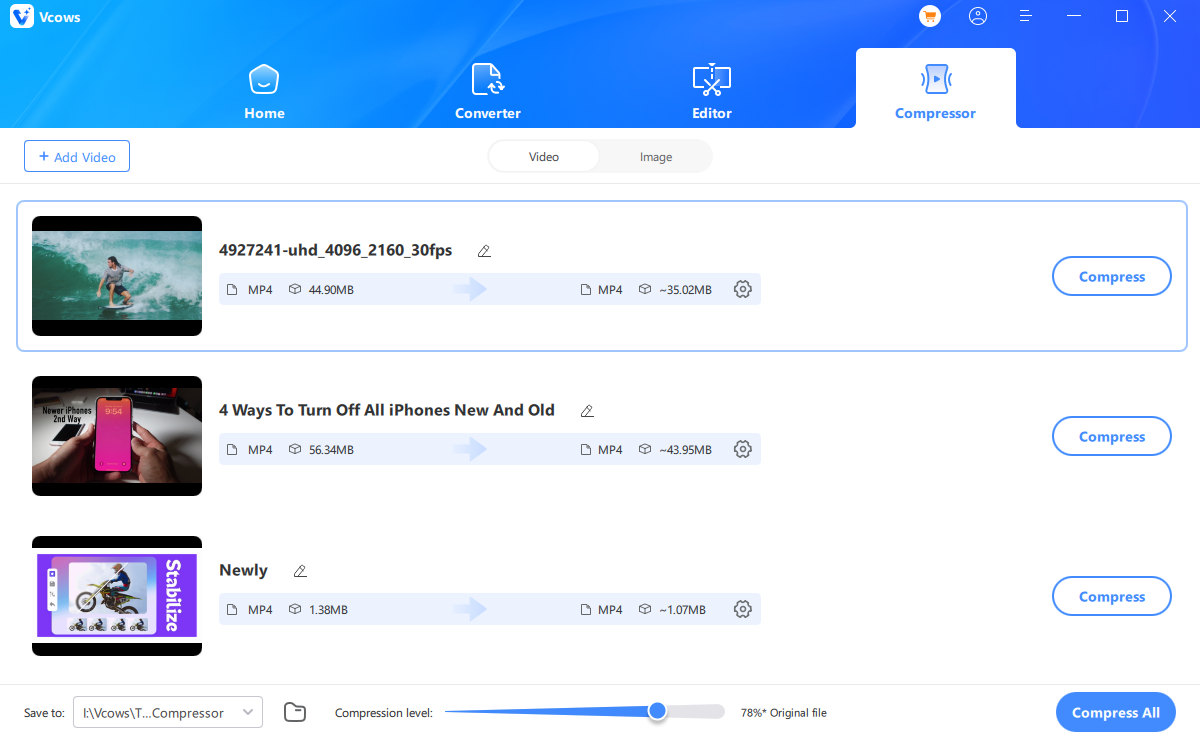
Select a file
Import your source image(s) you would like to convert.
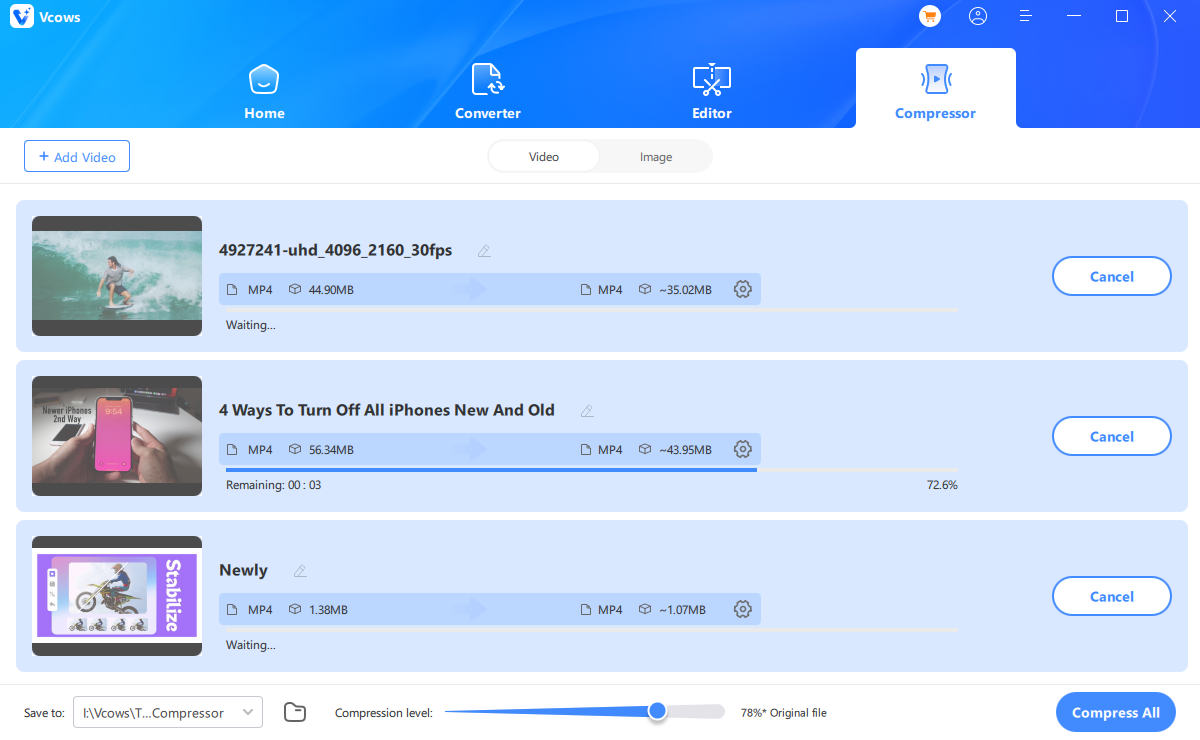
Select a format
In the “Convert all to” option, choose an output format for all the imported images.
What customers say about Vcows Video Converter
Convenient to compress video
I am a video editor and I always need to compress the video file size. My computer is MacBook and I use Vcows Video Converter for Mac to reduce MP4 file size. It supports compressing in bulk. I like it. So convenient.

Unbelievable!
Vcows Video Converter gives me a surprise, its great compress and conversion speed helped me process my files within ten minutes. Unbelievable!

Great converter and downloader
When editing video , I always come across many video or audio files in various formats . In order to unify the formats and improve efficiency. I need to convert the files to a unitifed format in bulk . Vcows Video Converter does not only provide numerous video and audio formats but supports batch conversion. Ijust need to choose the appropriate format and click the convert button

Unbelievable!
Vcows Video Converter gives me a surprise, its great compress and conversion speed helped me process my files within ten minutes. Unbelievable!
Great converter and downloader
I love this converter! I use it to easily convert my video to audio, and it's fast batch processing! Also, it can help you download videos from YouTube, TikTok, and Facebook. Sometimes I use it to turn the sound of a popular video into a ringtone. Amazing!
Convenient to compress video
I am a video editor and I always need to compress the video file size. My computer is MacBook and I use Vcows Video Converter for Mac to reduce MP4 file size. It supports compressing in bulk. I like it. So convenient.

Start to try Vcows right now
Cover 20+ AI video tools in one toolkit for your video, audio and image creativity.