Launch Vcows Video Converter,check toolbox, select screen recorder.
 Vcows
Vcows
Full Resolution
Quality
Screen Recorder
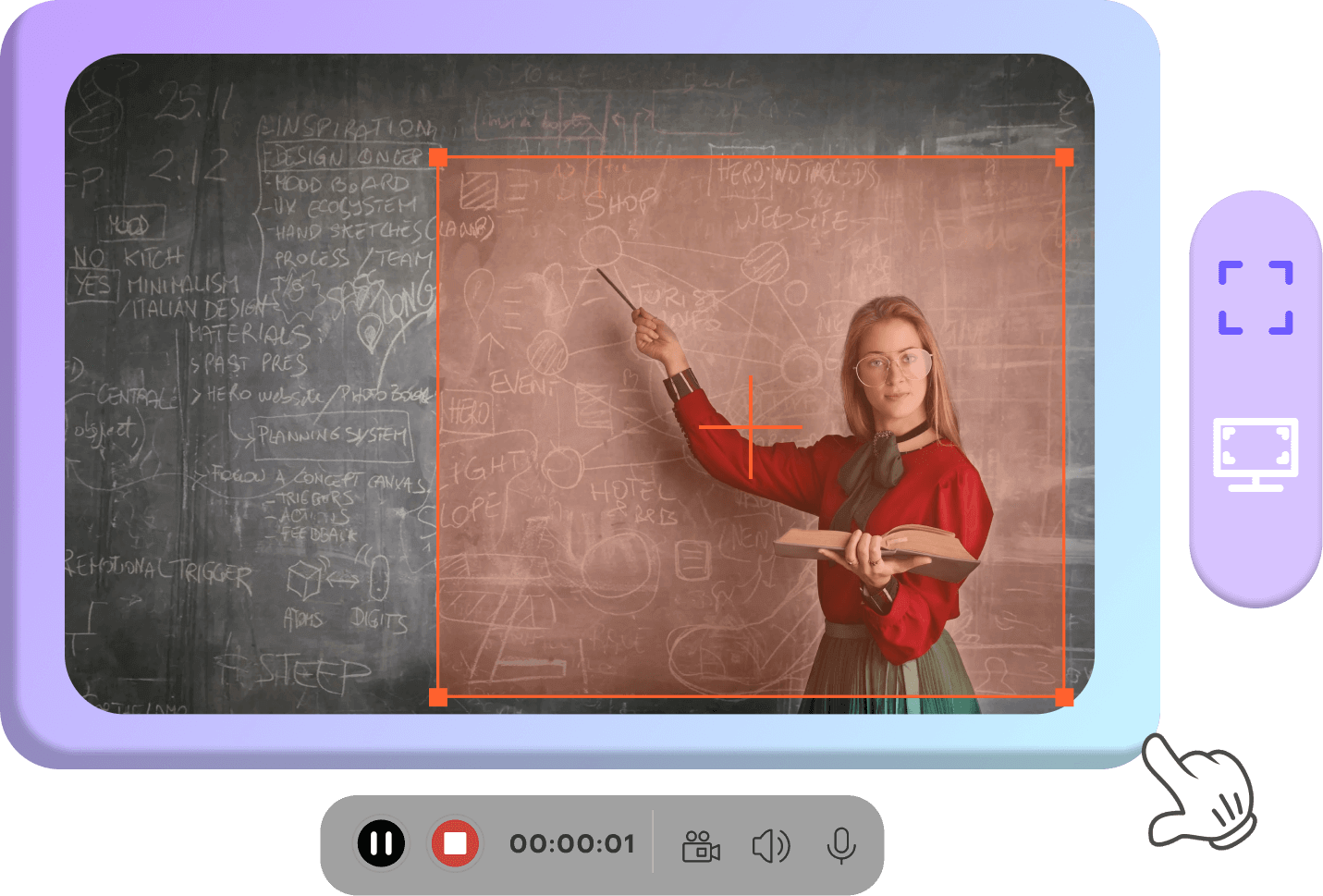
Record entire screen, a single window or any selected portion, webcams, gameplay, video calls, audio, and microphones flexibly.
 1080p High-res recording
 Audio input and output recording
 Built-in video editor and converter
Record everything, endless possibilities, just image
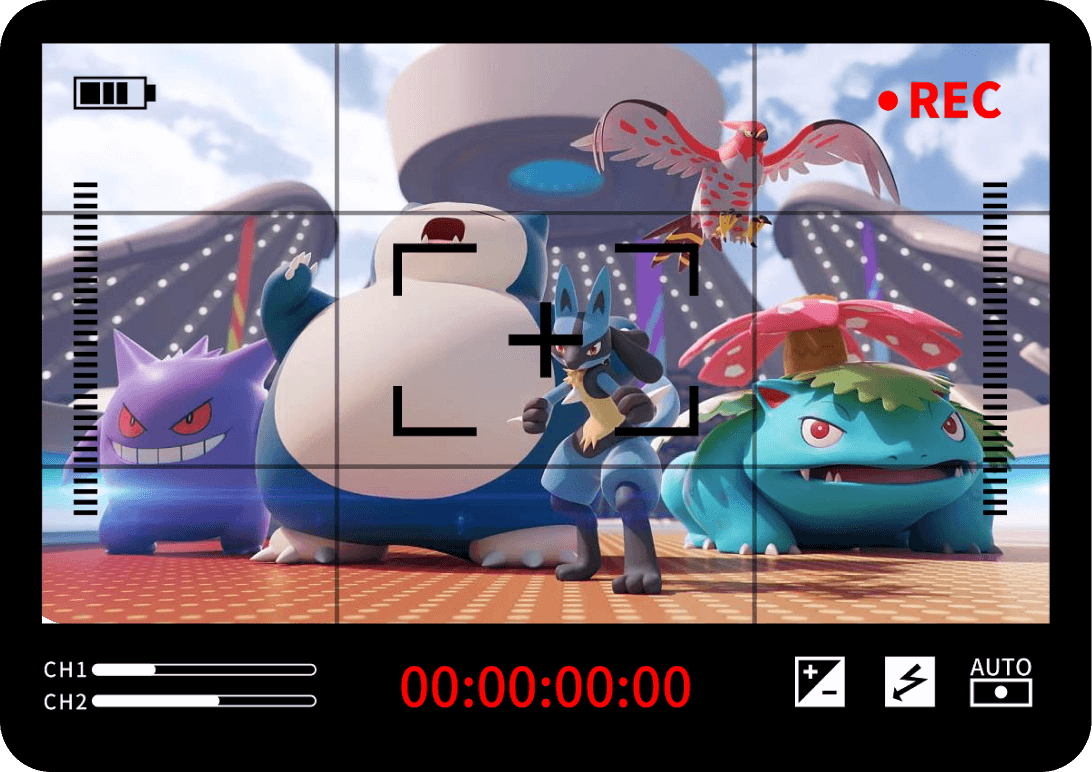
Game videos
Record your gameplay highlights, explanation, etc.

Streaming videos
record and save Internet streaming TV shows/movie and audio from YouTube, Facebook, Vimeo and TikTok
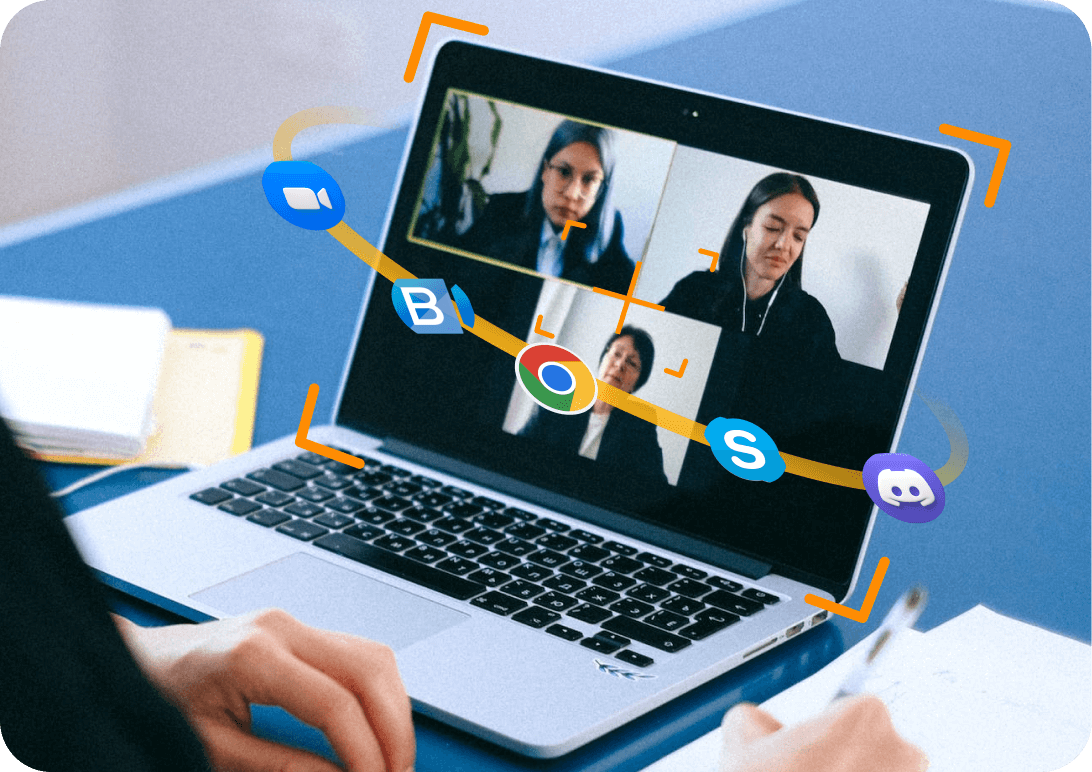
Online meetings
record online meetings/classes and call images from Zoom, BlueJeans, Skype, Discord, Google meeting, etc.
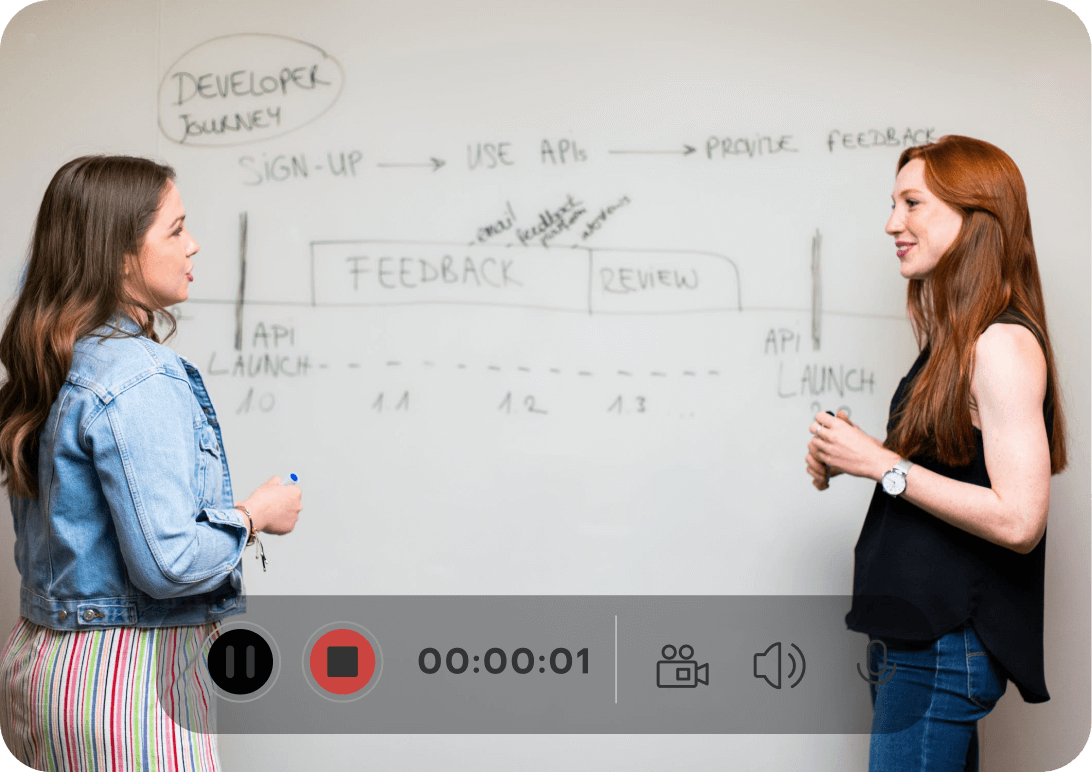
Education and business videos
record lectures, webinars, educational videos and business PowerPoint presentations.

Audiobook
record your favourite music, live radio, and podcasts from Spotify, Deezer, Tidal, iTunes, etc.
Capture entire screen or any selected portion casurally
You can record entire screen, or any area of the screen when you're playing games, watching movies, having a meeting or delivering presentations.
-
Record entire screen in full resolution
-
Capture specific area of the screen at will
Record your face and voice together on a video simultaneously
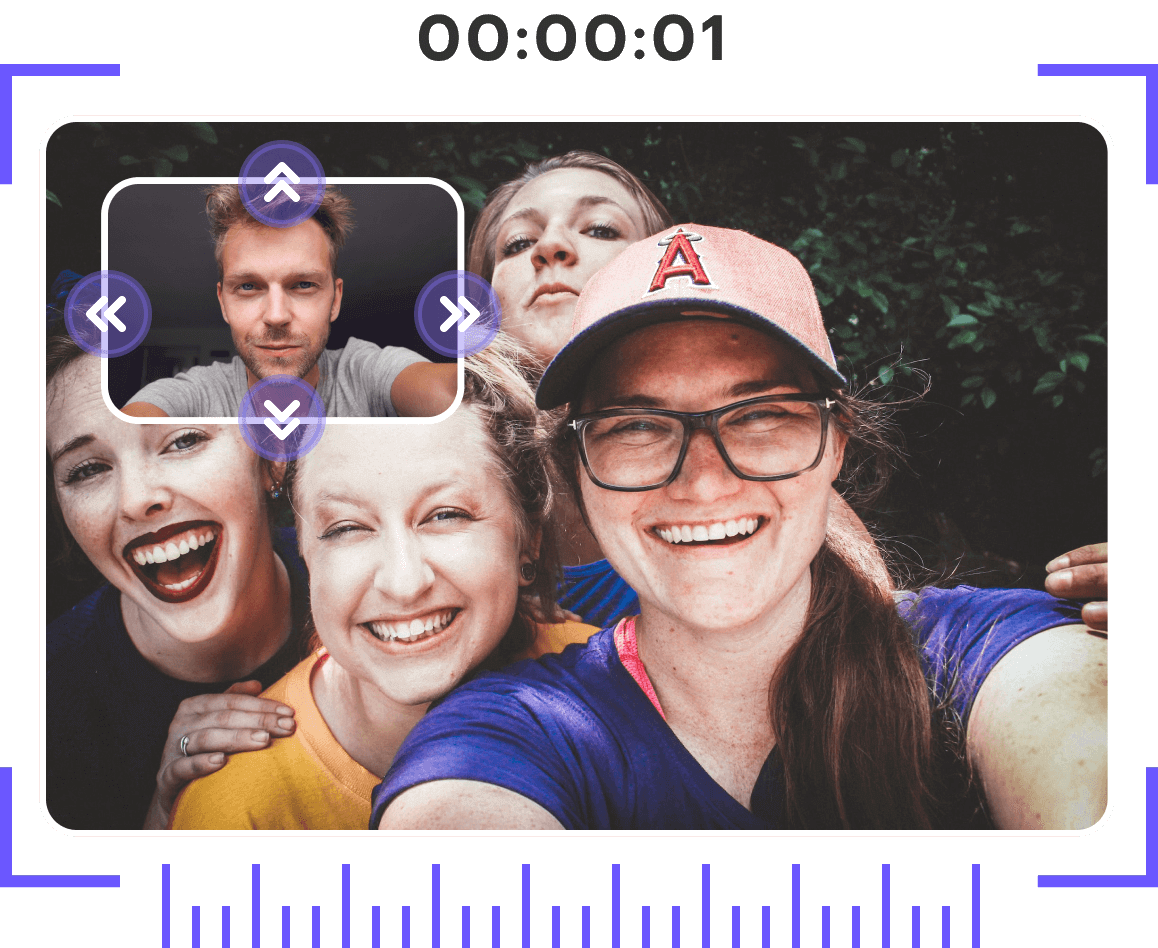
You can record your computer screen and webcam together in real time to show both your screen and your face when you are teaching in the internet, showing presentations, etc.
-
Put your face in a video to make your video more vivid
-
Adjust the placement of your webcam as you like. Right, left, middle, etc.
Easily record system audio and microphones with 100% original quality
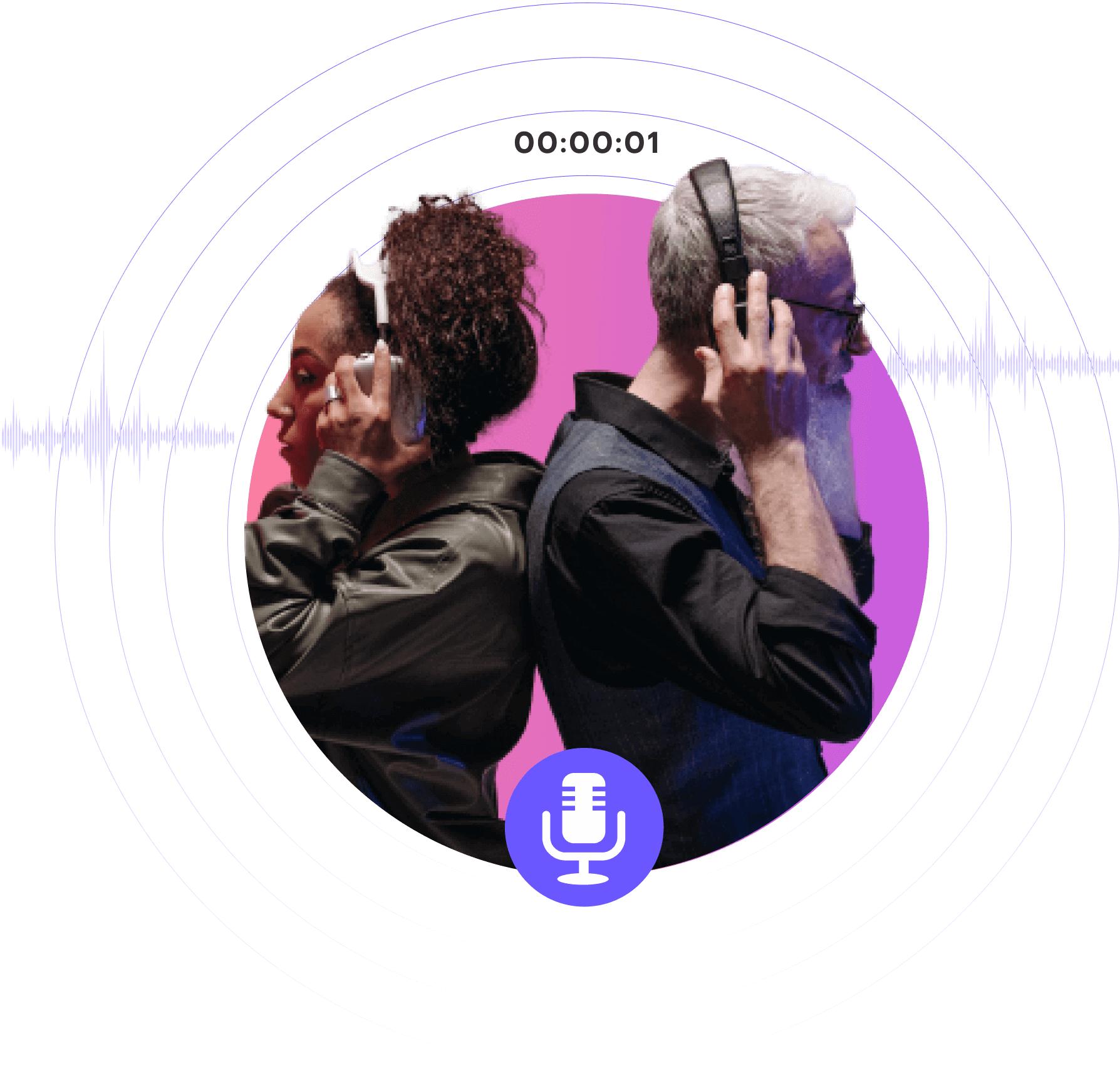
You can record computer sounds like music, live radio, podcasts and your voice together. It is perfect for recording video conferences, song or instrument.
-
Built-in noise remover feature can minimize different kinds of background noise and let you get an enhanced sound quality.
-
You can record computer sounds and your voice together
How to record videos or audios easily with Easy Steps
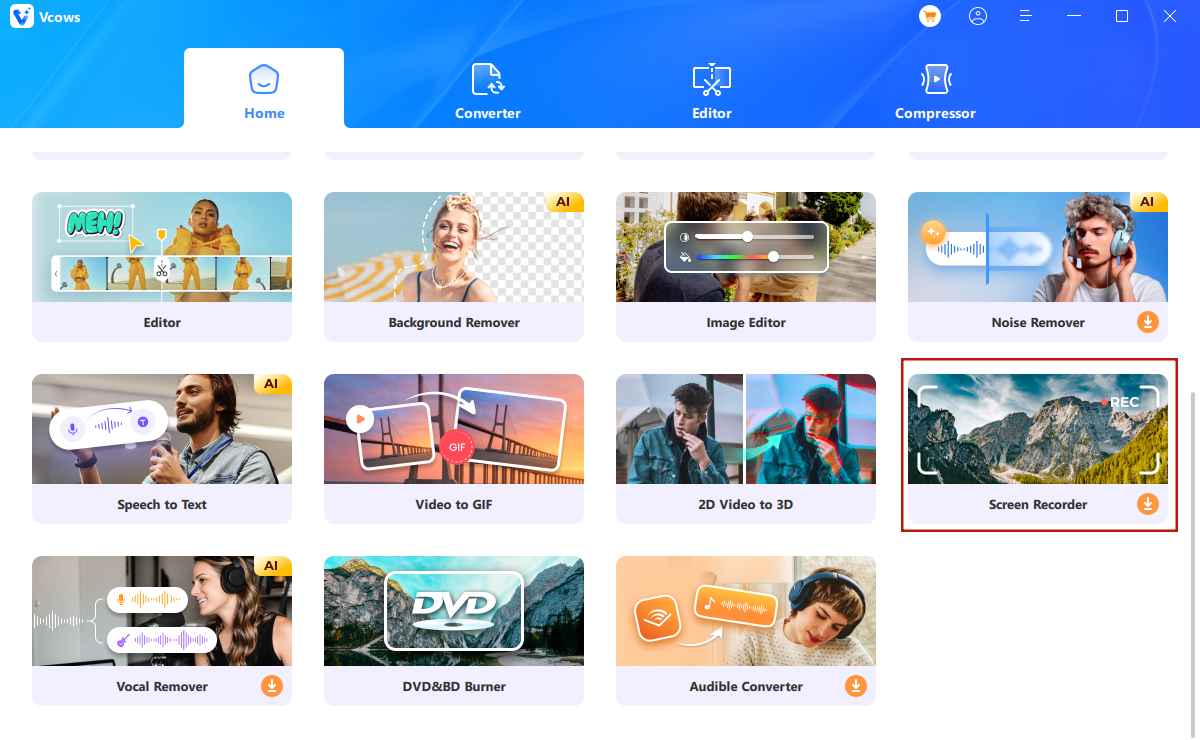
01
Launch Vcows Video Converter,check toolbox, select screen recorder.
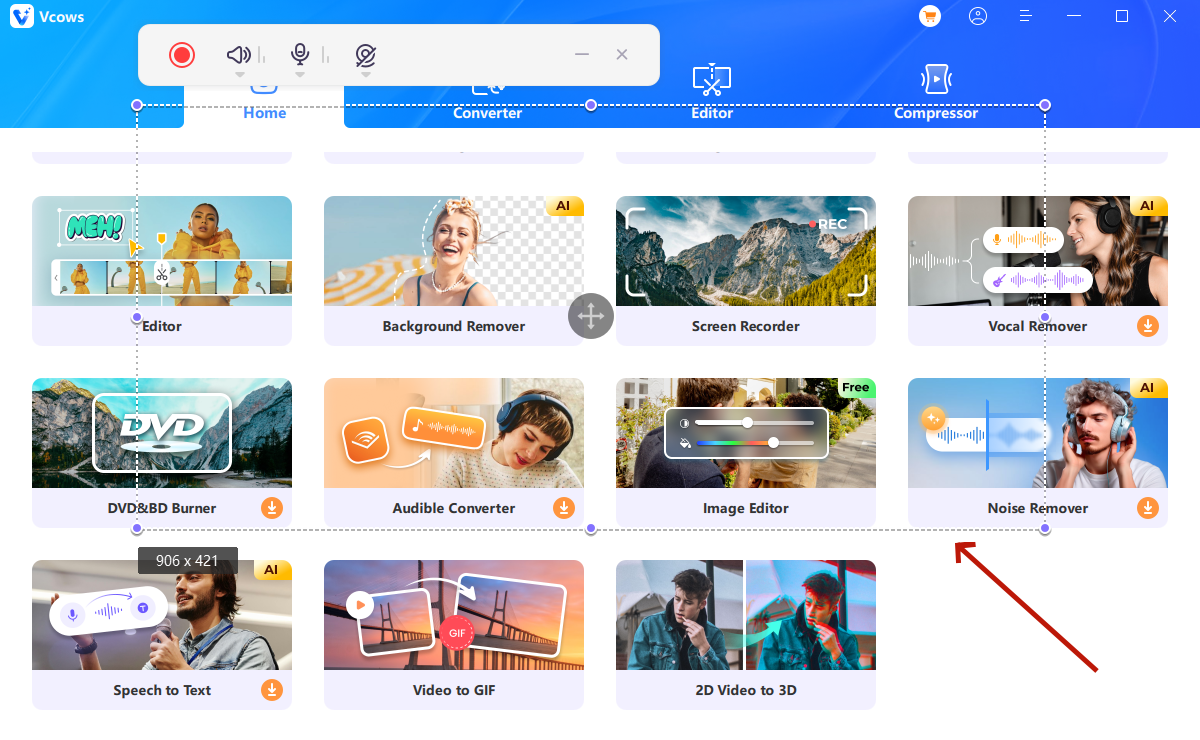
02
Define the portion you want to record.Set camera and microphone.
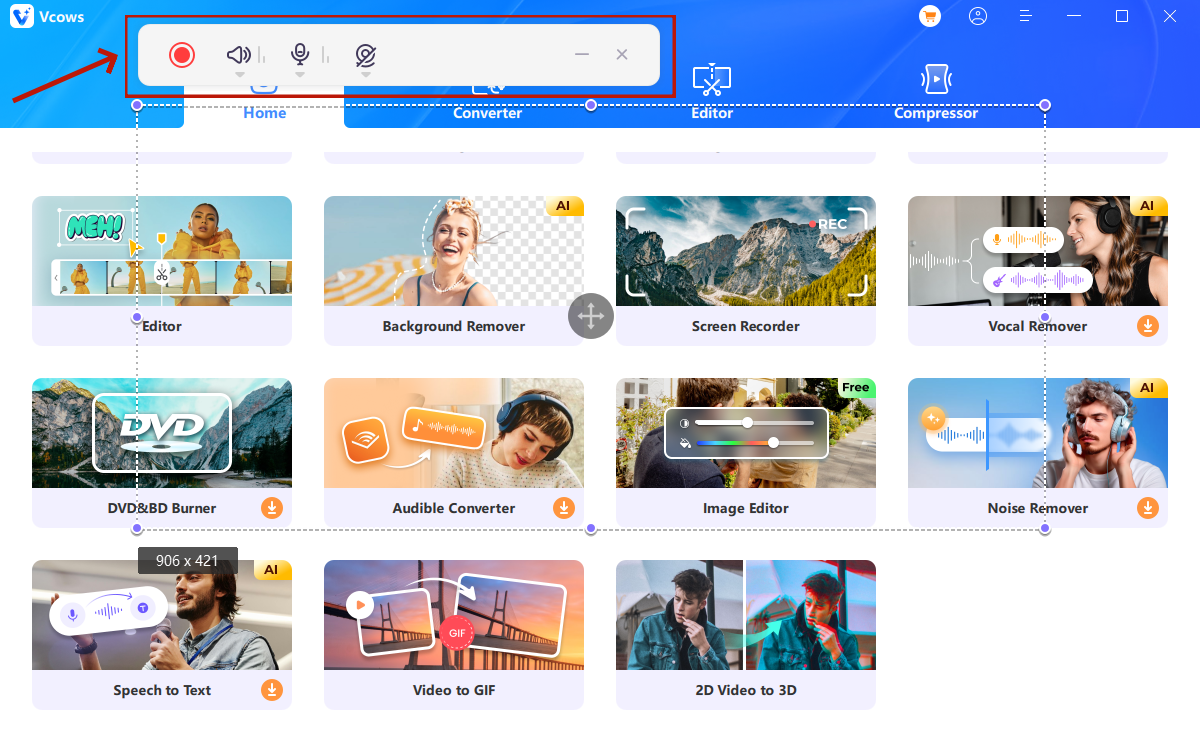
03
Start record.
Explore More Vcows Video Converter Key Features

Convert
Convert video, audio, image up to 1000+ formats

DVD Burner
Burn any video/audio to DVD/CD easily

Edit
Cut, merge, crop,filter, speed, watermark, adjust volumn, etc.

Rip
Convert DVD to MP4, MOV, MKV, etc, CD to MP3, etc.

AI Vocal Remover
Remove vocals from a song for karaoke with the advanced AI Algorithm

Compress
Compress video, audio and images with no size limit.

AI Noise Remover
Remove background noise from video and audio with AI-powered Algorithm

AI Background Remover
AI remove image background automatically

Gif Maker
Make gif from video easily

2D to 3D Converter
Convert 2D to 3D. Enjoy 3D videos at home
6,000,000+ people love us, you will too
Wonderful
I have been using this software for a month now, and this screen recording software supports HD recording, which is very good.

Halima West in New York
Excellent
This is the best screen recording software I have ever used. In addition to raw audio, I can also record microphone audio and can make random annotations while recording.

Charles Hurst in Mexico City
Screen recording and video editing
I need screen recording software in my daily work to record some information in time, and it seems to support simple editing functions. I just use it, and I will evaluate it after I am familiar with it.

Matas Dillard in California
Computer game screen recording
Hello! Today I recorded my gameplay screen using Vcows Screen Recorder and posted it to YouTube! This app is easy to use! Love her

Tilly Walls in Peru
Recording lessons
I am a student, and because of the online lessons, I would really like to have a program that can record lessons and Powerpoint. Luckily Vcows Screen Recorder helped me with all of that! It is a versatile tool that not only records webcam but also screen recording.

Katja Éimhear in Berlin
Easy to use
This software is easy to install and use. It can record high definition video quality. It is a very good screen recording software, which fully meets the general game recording.

Lesley Maxwell in Norway

Start to try Vcows right now
Cover 20+ AI video tools in one toolkit for your video, audio and image creativity.