Step 1: Import your media.
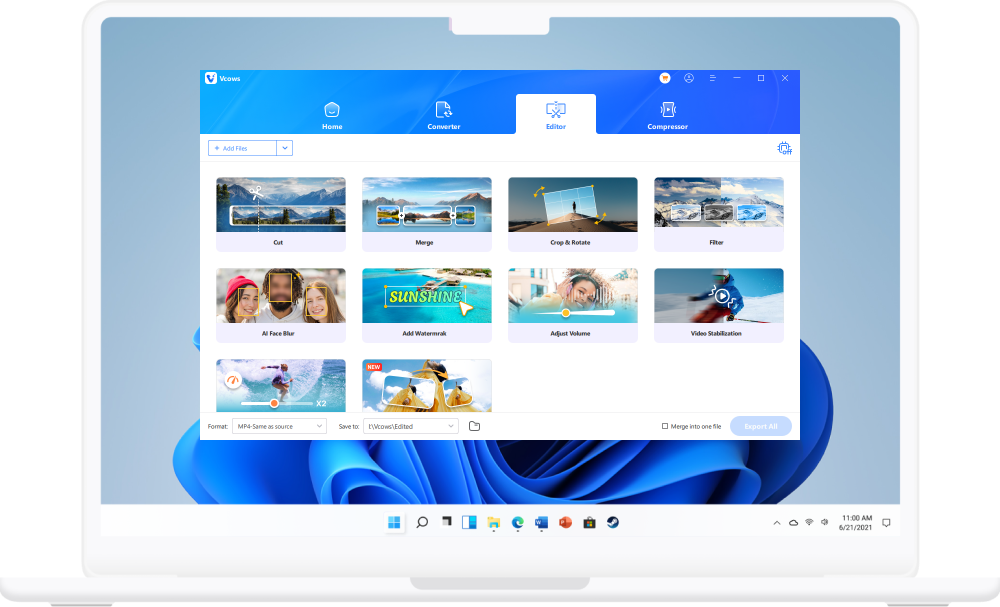
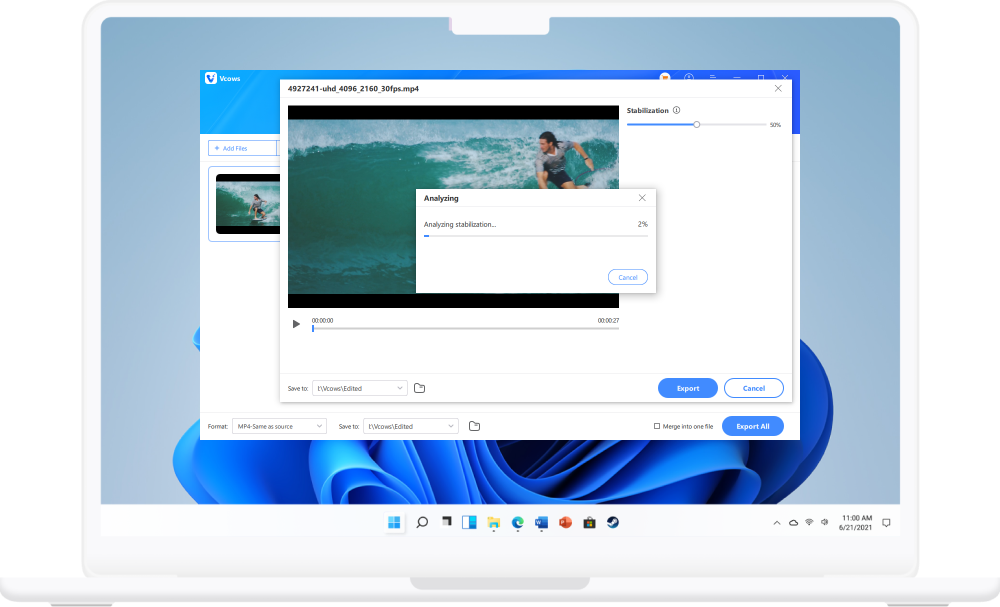
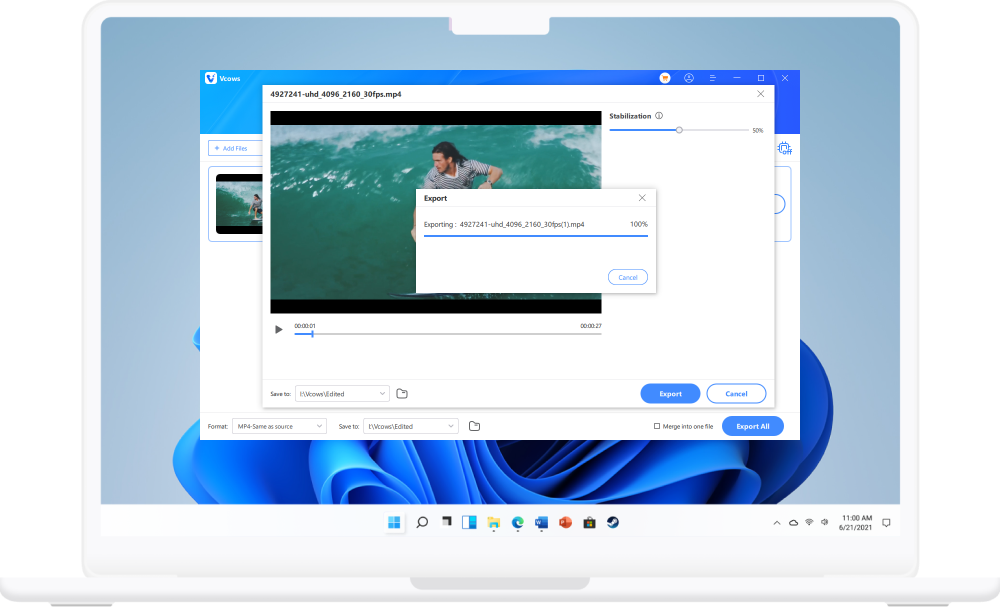
Launch Vcows Video Converter. Check Edit option. Then open Video Stabilization to import video you prefer to process.


 Vcows
Vcows AI-powered tech, 1 click to make shaky footage smoother and more watchable.
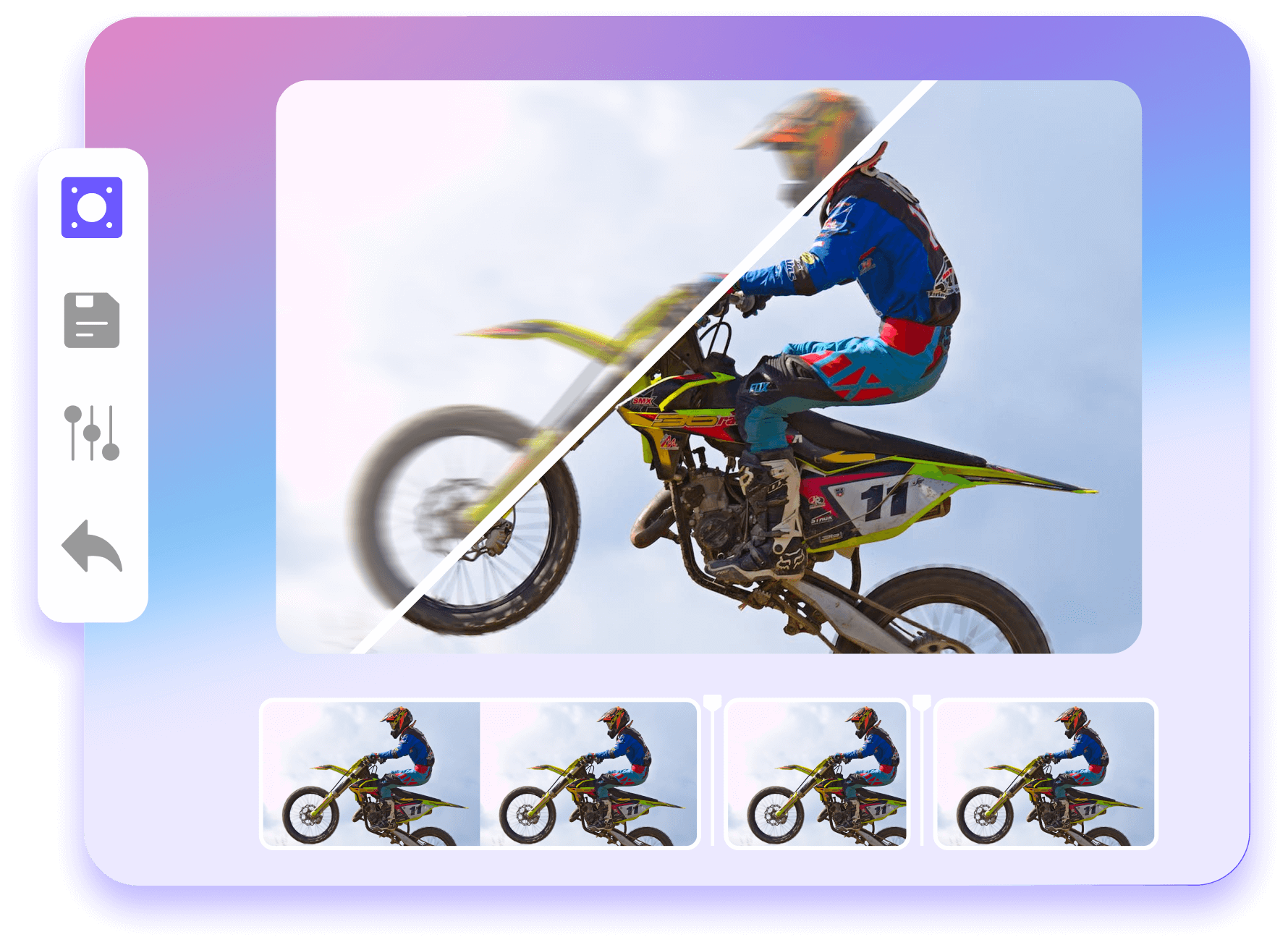

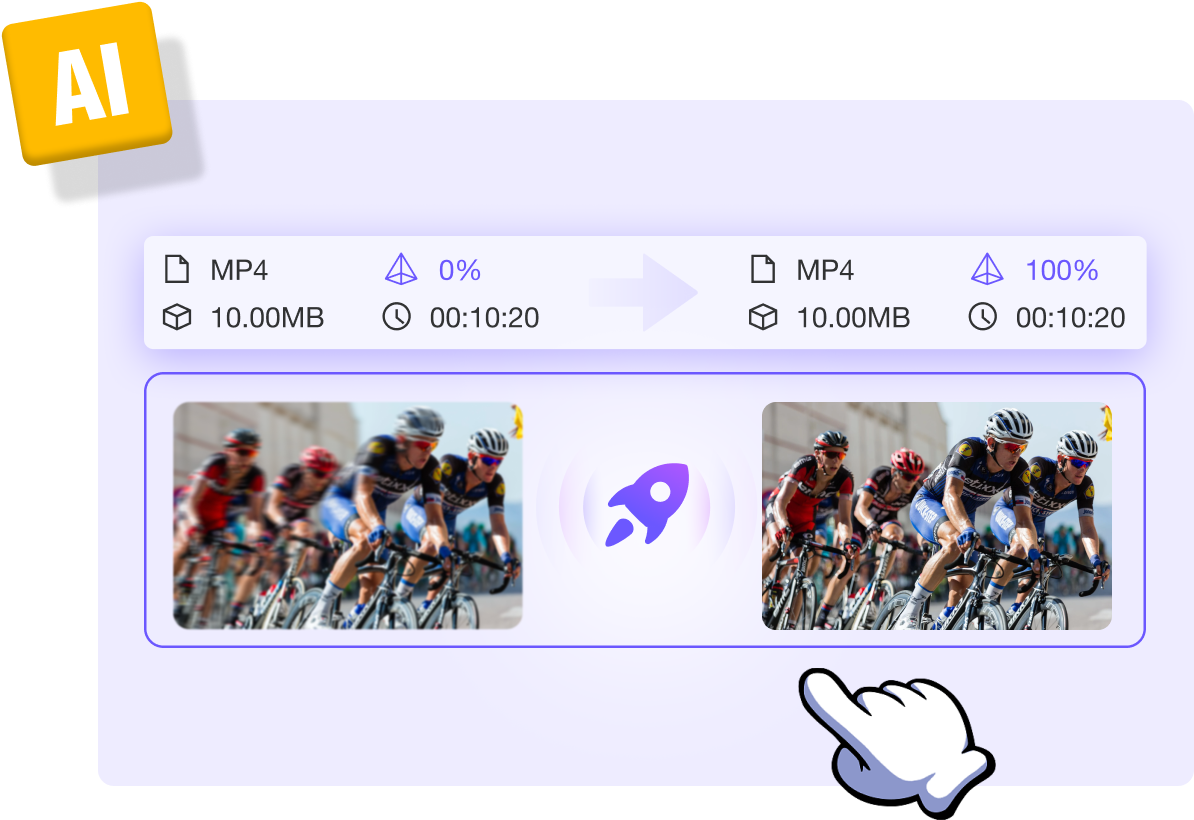
AI-powered tech, Vcows can take the unwanted jitters and blurriness that are captured in an action-packed video and get exactly the look and feel you want. 1 click to import, then hitpaw will deal with it automatically. you then expect the result only.
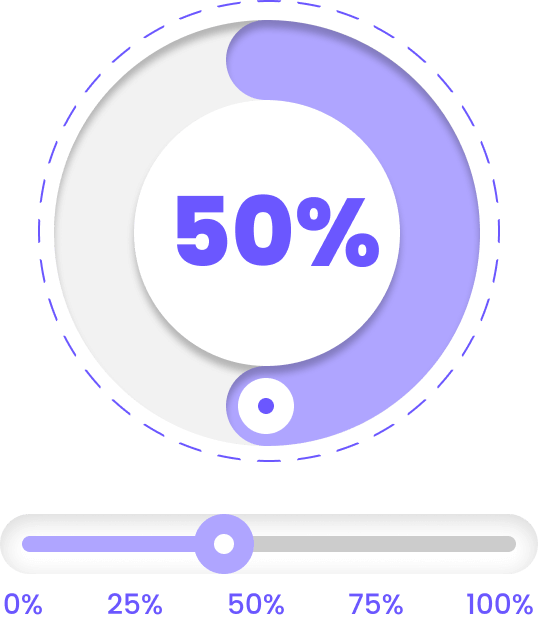
Four video stabilization options. 25%, 50%, 75%, 100%. You can choose any degree of processing to get the job done. No matter what video formats (Vcows supports 1000+ formats) and what equipment the video was captured.
Launch Vcows Video Converter,check toolbox, select screen recorder.
Define the portion you want to record.Set camera and microphone.
Start record.

Convert video, audio, image up to 1000+ formats

Burn any video/audio to DVD/CD easily

Cut, merge, crop,filter, speed, watermark, adjust volumn, etc.

Convert DVD to MP4, MOV, MKV, etc, CD to MP3, etc.

Remove vocals from a song for karaoke with the advanced AI Algorithm

Compress video, audio and images with no size limit.

Remove background noise from video and audio with AI-powered Algorithm

AI remove image background automatically

Make gif from video easily

Convert 2D to 3D. Enjoy 3D videos at home
You have an excellent range of software products which I will certainly be using myself, and recommending to our members in future. I am currently using the Mac video converter and it is proving to be a very good program that is much easier to learn than most of your competitors.

It's incredibly user-friendly and lightning-fast. I needed to convert a bunch of video clips for a school project, and Vcows video converter made it a breeze. The output quality was fantastic. Highly recommended!

I need screen recording software in my daily work to record some information in time, and it seems to support simple editing functions. I just use it, and I will evaluate it after I am familiar with it.

This app is the best video converter I have ever used. The converted videos look just as good as the originals. I had some AVI videos I transferred to my iPhone tablet from my pc and then converted to MP4 using this app. In the process of conversion, the music of the original video was removed and my favorite music was added. I was able to edit the video after the conversion, which really surprised me.

Usually I don't write review for any product I use, but this will be my first review for this software, powerful,smart,easy to use and gets more advanced by time. I really thanks the team who working hard on this software to make it better and for the unlimited updates.

This software is easy to install and use. It can deal with high definition video quality. It is a very good screen recording software also, which fully meets the general game recording.


Cover 20+ AI video tools in one toolkit for your video, audio and image creativity.

Step 1:

Click the icon to open the download list


Step 2:
Click the downloaded file to install