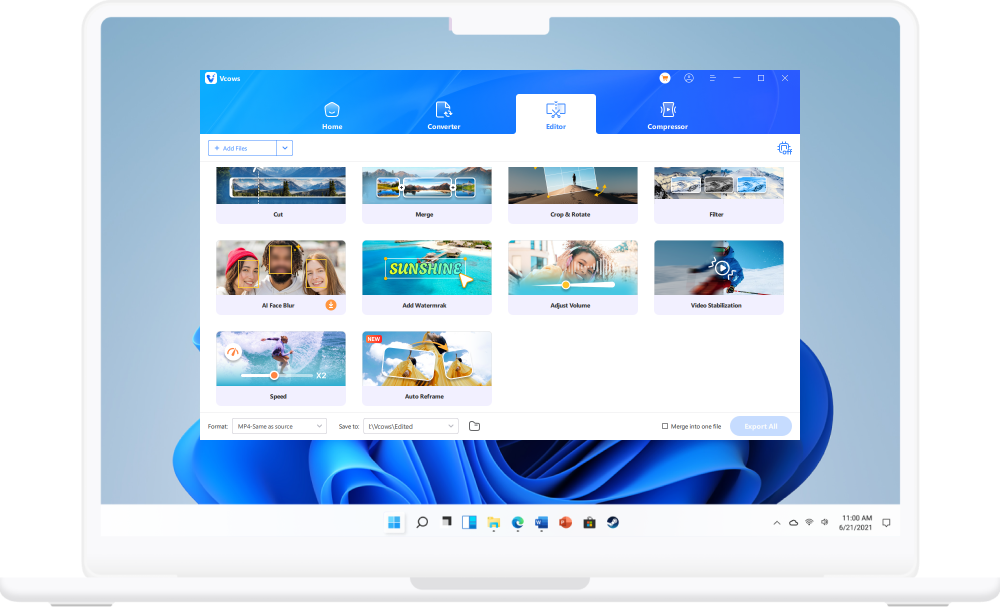
Step 1. Launching Vcows Video Converter, switch to the Edit Tab and choose AI Face Blur.
Best Face Blurring Software
With AI
- Add mosaic or stickers to blur moving faces in a video with minimal clicks.
- Automatic detection and tracking of persons' face of interest.
- Accurate AI processing. Face blur videos in under 20 minutes.
- Unlimited minutes and exports for effective budgeting.

2,862,050 videos
processed

20 minutes
blur 1 video

120 millions
satisfied customers
Automatically blurs and pixelates face in all captured and live security videos
Blur the face for strangers in your travel vlogs
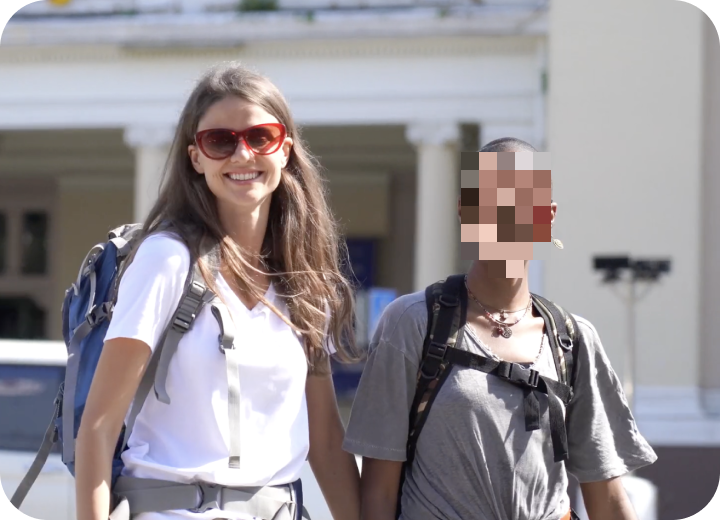
Blur the face of a doctor for a sergery record

Blur the face of a victim for a news report
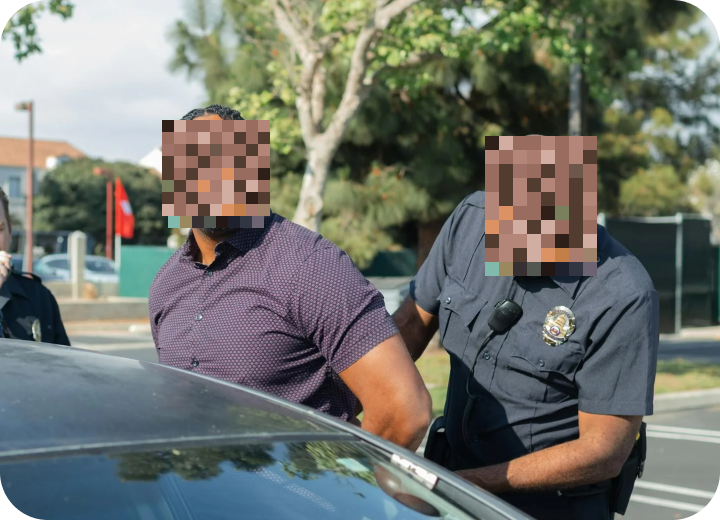
Blur the face of a worker for a TV show

Some reasons to blur face in the video
- Add visual effects to a video
- Protect someone’s identity by blurring their face
- Use blurred faces in a trailer to arouse viewers' curiosity
- Blur face due to Legal issues and restrictions in your country

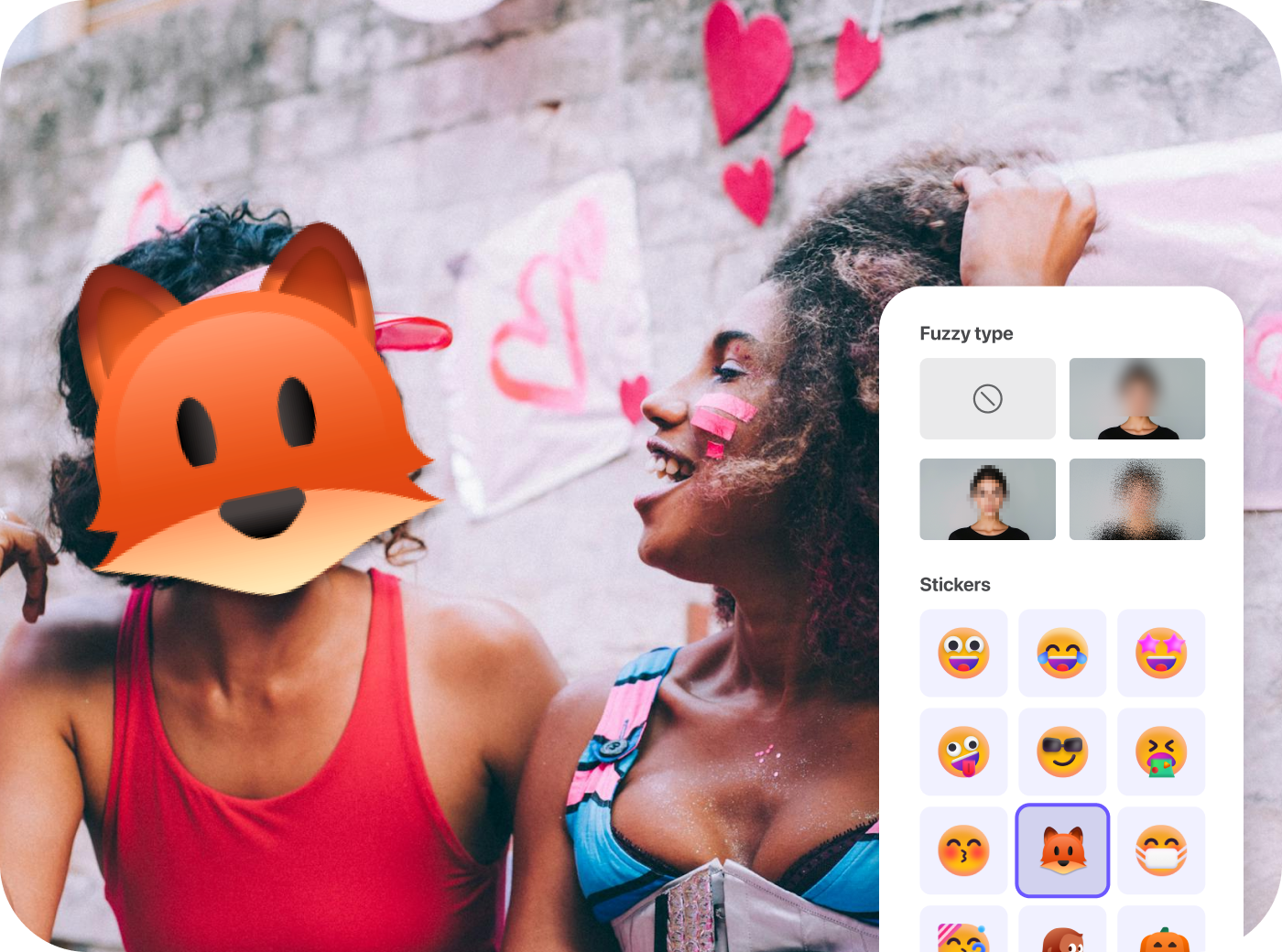
Automatic face blurring and AI auto tracking
- Advanced automation with accurate AI processing.
- Customisable blur degree settings from 0% to 100%.
- Dozens of stickers for you to choose.
- Unlimited minutes and exports for effective budgeting.

How to Blur Face With Vcows Video Converter
Step 1. Launching Vcows Video Converter, switch to the Edit Tab and choose AI Face Blur.
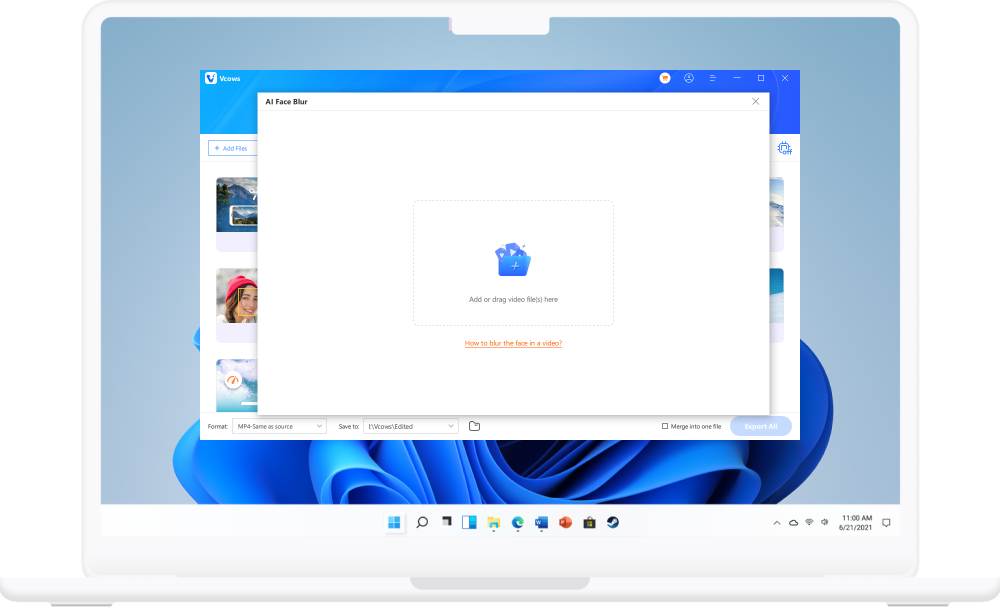
Step 2. In the built-in AI Face Blur interface, please add or drag file you want to edit.
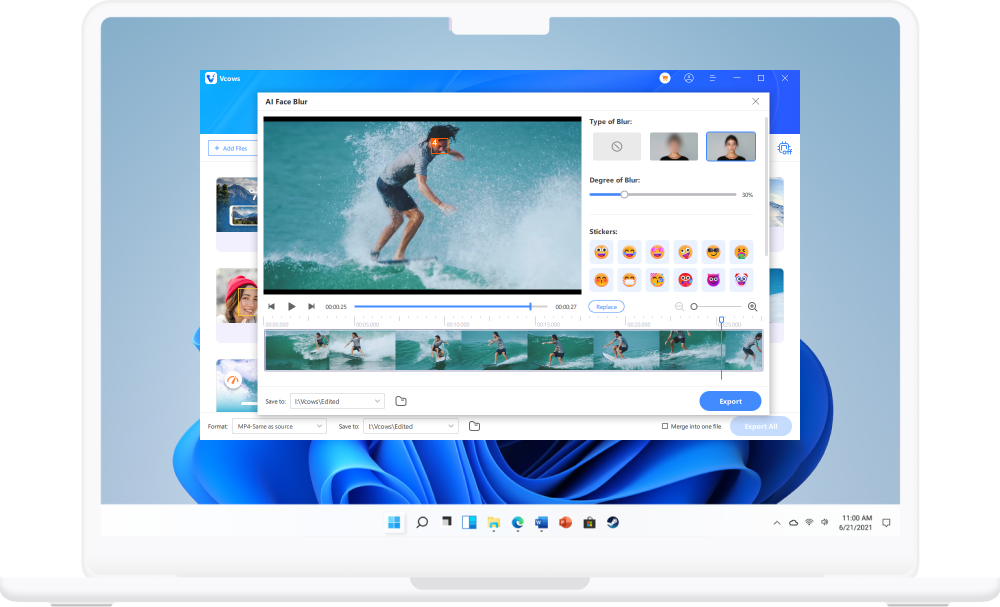
Step 3. Choose the degree of blur. You can switch from 0% to 100%. Or add a sticker.
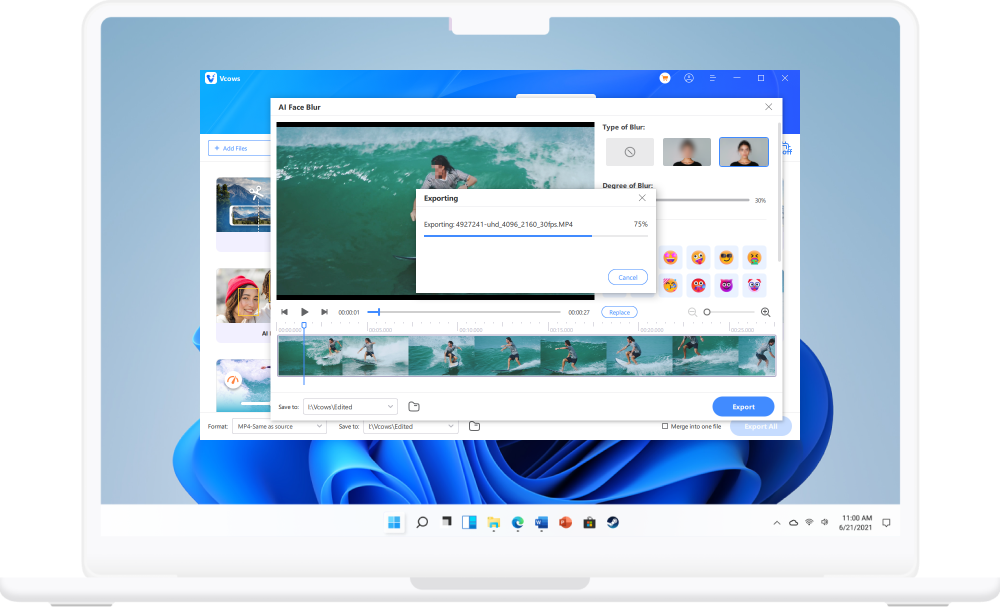
Step 4. Click the Export button to save the video with blured face.

Start to try Vcows right now
Cover 20+ AI video tools in one toolkit for your video, audio and image creativity.