 Vcows
Vcows

Auto Reframe Video
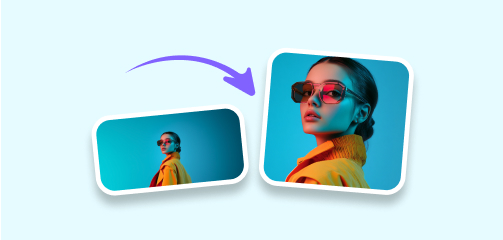
- Automatically adjust your video's framing to fit various aspect ratios.
- AI-powered smart cropping saves you significant time in the editing process.
- Offers various options tailored for popular social media platforms like Instagram, YouTube, Facebook, and TikTok.
- Perfect for both beginners and experienced users—no editing skills needed!
AI-Powered reframe, automatically and time-saving
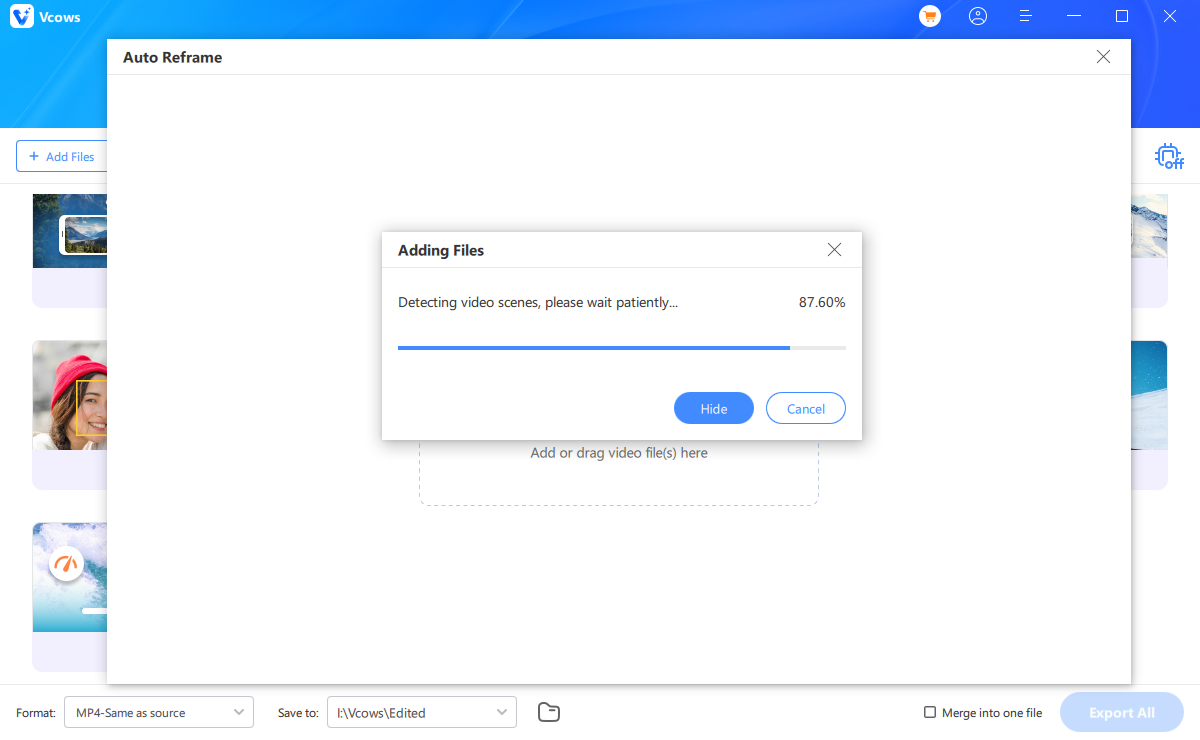
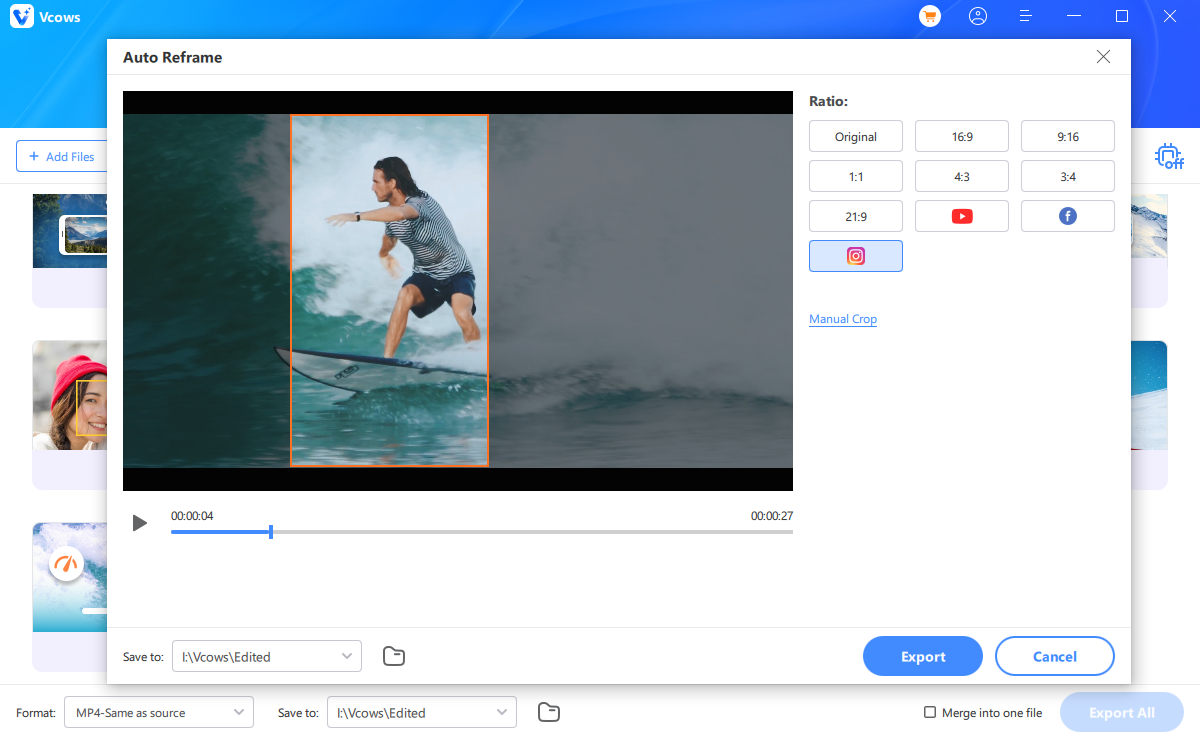
Vcows leverages advanced AI to intelligently reframe your videos for various aspect ratios with just one click. Save time and effort, even when working with sequences that include multiple clips.
Automatically reframe video for social media channels
AI Auto Reframe is incredibly useful for sharing your videos across various social media platforms like TikTok, Instagram, YouTube, and Facebook. It supports all popular aspect ratios, including 16:9, 9:16, 4:3, 3:4, 21:9, and more.
How to smart crop videos?
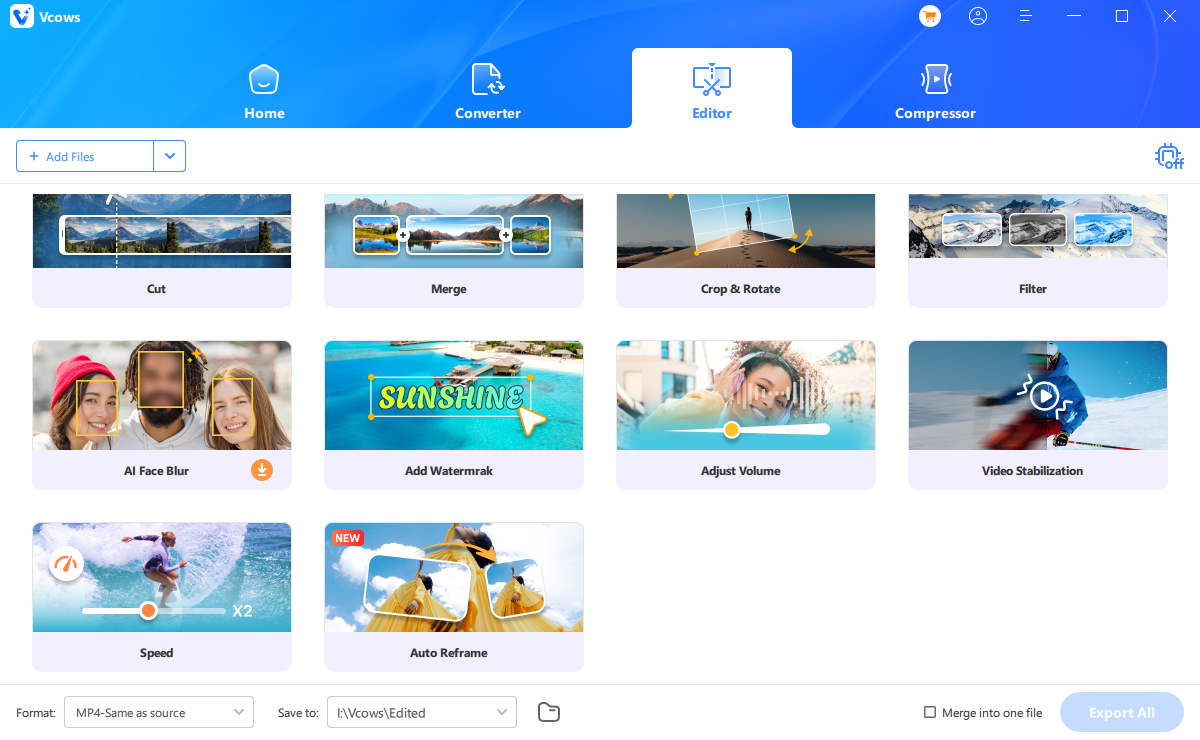
Explore more features
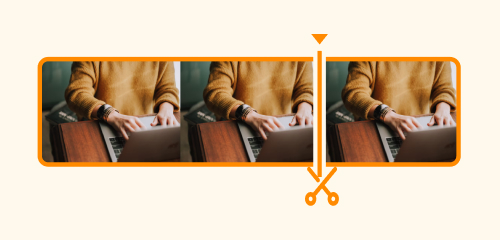
Cut video

Merge
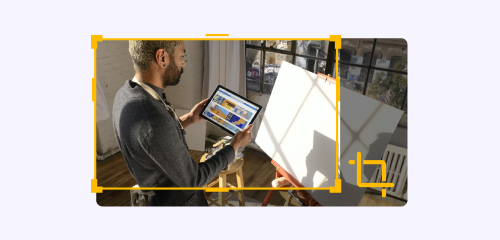
Crop and Rotate

Filter

AI Video Blur
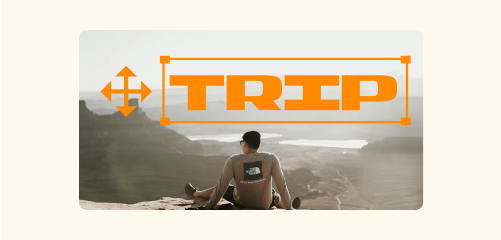
Watermark
Adjust Volume

Video Stabilization

Change Speed
AI Auto Reframe
What Our Customers Say About Us
Unbeliverable auto reframe feature
I recently tried Vcows auto reframe feature and was blown away by its simplicity and effectiveness. It automatically adjusted my video to fit various aspect ratios perfectly, saving me tons of editing time. The AI cropping choices were spot-on, keeping the main focus in every frame. A must-have tool for anyone working with social media!

Honey Tricia in London
Easy and automatic
This auto reframe software is a game changer! As a content creator, I often need to adapt my videos for different platforms. This tool makes it effortless. Just upload your video, select the desired ratio, and let the AI work its magic. The output quality is fantastic, and I love how easy it is to use—no prior editing skills required!

Diana Clarissa in US
User-friendly interface
I was skeptical at first, but the auto reframe software exceeded my expectations. The interface is user-friendly, and I appreciate how it seamlessly adjusts videos for various formats. Whether it's for Instagram, YouTube, or TikTok, my videos look professional and polished without the hassle. Highly recommend for anyone looking to enhance their video editing workflow!

Jonathan Zoch in AU

Start to try Vcows right now
Cover 20+ AI video tools in one toolkit for your video, audio and image creativity.