

Vcows Video Converter
AI-Powered
Best Background Noise Removal Software
1 click to remove background noise from video and audio with AI-powered Algorithm. No need to record your audio again or buy any expensive sound-blocking microphones.





What Background Noise Can Remove?
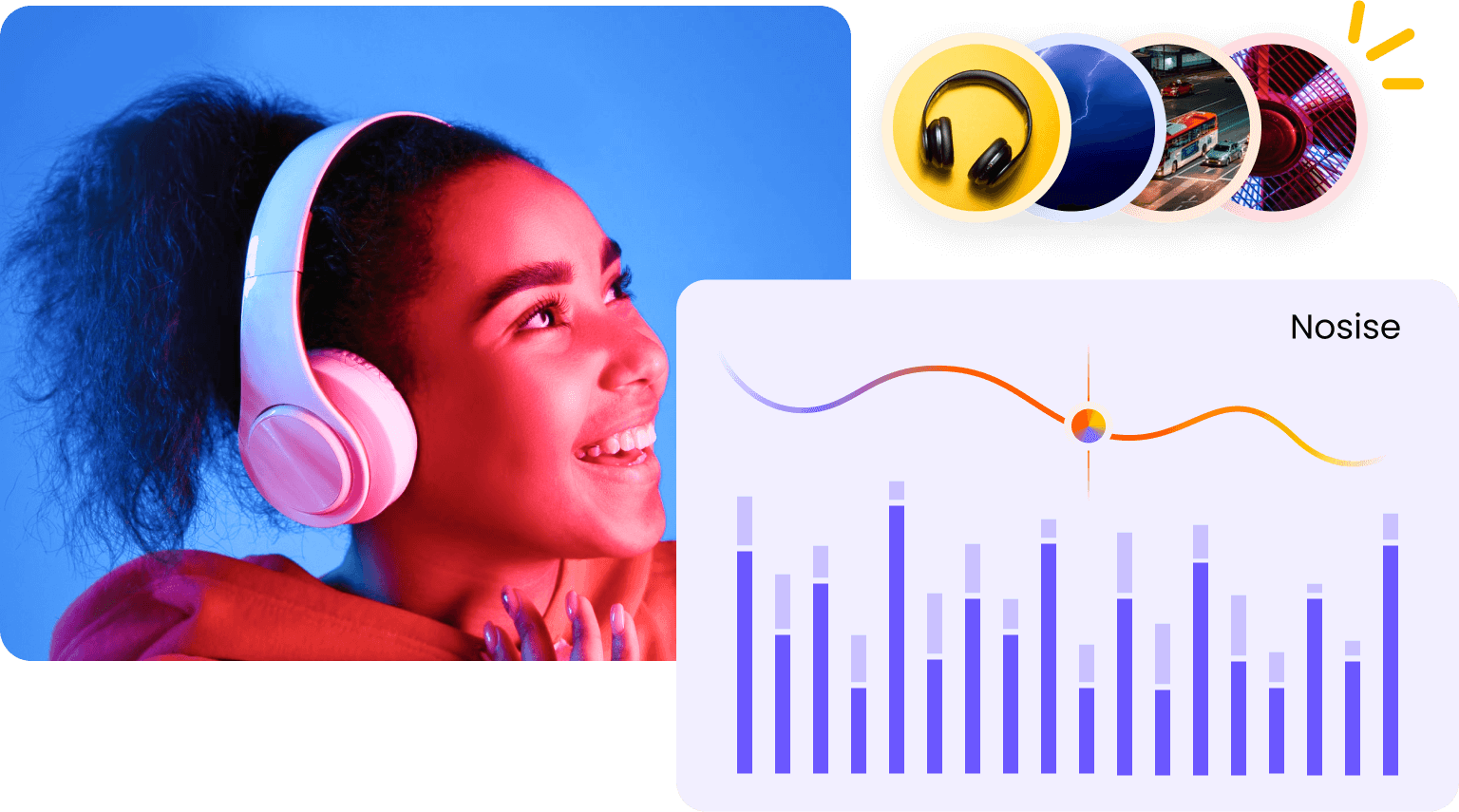
Audio noise can ruin your video. And it is really a real pain. However, no worry any more, Vcows Video Converter have got you sorted. It is a super powerful tool that cleans up background noise with just one click. No matter it is ambient noises or intermittent noises.
Ambient noises
Vcows lets you remove ambient noise, such as noise like tape hiss, white noise, whether, traffic, static, fans and other non-harmonic sounds that include in your audio or video.
Intermittent noises
It also enables you to reduce intermittent noise, like coughs, footsteps, and phones rings, people talking, cars or trucks driving by, buzz from faulty audio wires that occur at unexpected times and clash with musical parts
How to Remove Background Noise From Audio

Launch Noise Remover
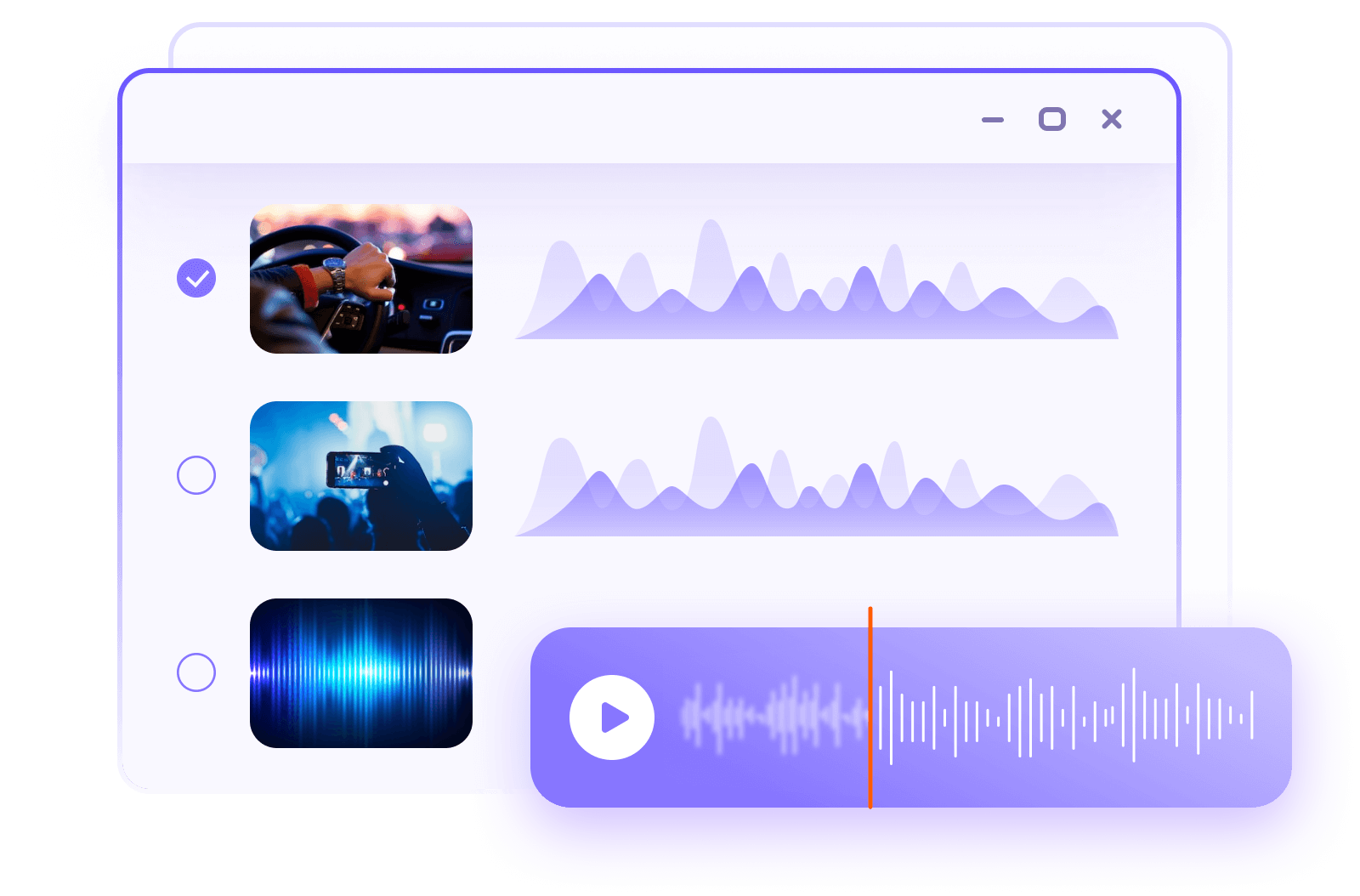
Download and install Vcows Video Converter in PC/Mac.Select Toolbox, Click Noise Remover to launch.

Import Audio
Add or drag your audio or video files there. Once the file imported, the software will remove noise automatically.
Export
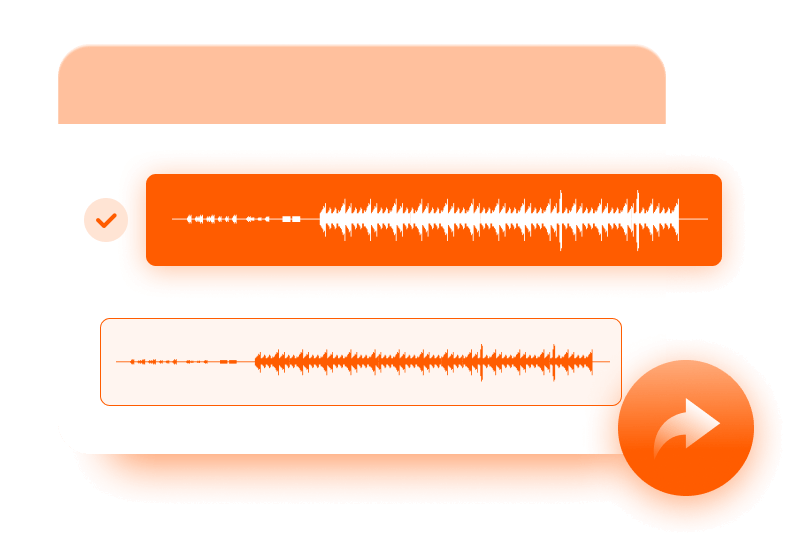
You’re done. Hit ‘Export’, and your new file will render in seconds.
Supported formats: MP3, AAC, WMA, MP4, AVI, WMV, MOV, etc. up to 1000+ formats
Who is it for?
Video and audio quality is important, but recording clean audio can be tough, especially in noisy environments. Vcows Video Converter can fix muddy and noisy audio for people in various fields. Like musician, teacher, interviewer, etc.

Podcasts, Voiceovers & Music
Whether you are song recording, music mix, podcast or voiceover, background noise gives your audio tracks an unprofessional touch, and can quickly lead to disengaged listeners. To prevent this, you can use Vcows Noise Remover to eliminate background noises in 1 click.
Class recording
Noisy class recording distracts your students from the important information in the class. And it is hard to record it over and over again. In that case, using Vcows Noise Remover will be a good choice. It fixes audio noise and lets it disappear in seconds, automatically. Time saving the effective.


Street interviewing & Vlog shooting
People talking, cars or trucks driving by will interrupte the interview effect in the street. To make the interview and shooting look professional, you can use the Vcows Noise Remover to remove these unwanted voice part and remain clean and crystal-clear for all your listeners.
More than just a “Noise Remover” tool!
Actually, Vcows Video Converter is an all-in-one video and audo tool. You can do so much more than just removing noise of your audio files. Using Vcows, you can convert video and auido formats, download videos and audio from YouTube, Spotify, iTunes, etc. remove vocal, compress video, edit video, etc.
Image Converter
Batch convert images in seconds with PNG, JPG, JPEG,TIFF, BMP, HEIC, and WebP formats.
Video Converter
Batch convert videos, audio in more than 1000 formats
AI Video Stabilization
Fix shaky video footage, greatly improving video quality
AI Auto Reframe
Resize videos automatically. No editing skills are required
AI Video Face Blur
AI automatically detect and mask faces in your videos.
AI Speech to Text
Instantly turn speech into text in real time with 99% accuracy.
DVD Converter
Convert DVD and Blu-ray DVD to 1000+ video and audio formats
Image/Video Compressor
Smartly compress a video and image to a desired file size
Video Editor
Cut, merge, crop, rotate, filter, change speed, watermark videos
Image Editor
Crop, rotate, bright, contrast, saturate, hue, watermark images
Vocal Remover
100% AI-powered to separate the vocals and background music from any audio file
Video to GIF
Batch create animated GIFs. Supports adjusting the GIF frame rate and output size.
Video Converter
Batch convert videos, audio in more than 1000 formats
AI Video Stabilization
Fix shaky video footage, greatly improving video quality
AI Auto Reframe
Resize videos automatically. No editing skills are required
AI Video Face Blur
AI automatically detect and mask faces in your videos
DVD Converter
Convert DVD and Blu-ray DVD to 1000+ video and audio formats
Image/Video Compressor
Smartly compress a video and image to a desired file size
AI Speech to Text
Instantly turn speech into text in real time with 99% accuracy.
Video to GIF
Batch create animated GIFs. Supports adjusting the GIF frame rate and output size
Vocal Remover
100% AI-powered to separate the vocals and background music from any audio file
Image Converter
Batch convert images in seconds with PNG, JPG, JPEG,TIFF, BMP, HEIC, and WebP formats.
Image Editor
Crop, rotate, bright, contrast, saturate, hue, watermark images
Video Editor
Cut, merge, crop, rotate, filter, change speed, watermark videos
Why Vcows Video Converter

AI powered
Well-trained AI. It can smartly figure out noise from all kinds of cases.

120X Speed
lightning processing speed. removing noise in a blink of an eye.

High Quality
100% noise cancellation possibility. Ensuring every sound stays clear.

Easy & Safe
1 Click only. Import, process and export. Easy and safe.
What they say about Vcows Video Converter
Remove background noise in the video
"I have been looking for a program that can remove background noise in a video. I learned about Vcows Video Converter which uses advanced AI technology to help me reduce noise in my video.”

Jose Wilson
So Amaizng 
“It's so versatile, I've tried many programs to extract audio tracks from movies, but Vcows Video Converter helped me achieve it easily.”

Jose Wilson
Wonderful
"I have some DVDs and Blu-ray discs that I want to convert to MP4 for editing. Vcows Video Converter can convert DVD and Blu-ray discs without losing quality. Many thanks to Vcows.”

Jose Wilson
Remove background noise in the video
"I have been looking for a program that can remove background noise in a video. I learned about Vcows Video Converter which uses advanced AI technology to help me reduce noise in my video.”
Jose Wilson
So Amaizng
“It's so versatile, I've tried many programs to extract audio tracks from movies, but Vcows Video Converter helped me achieve it easily.”
Jose Wilson
Wonderful
"I have some DVDs and Blu-ray discs that I want to convert to MP4 for editing. Vcows Video Converter can convert DVD and Blu-ray discs without losing quality. Many thanks to Vcows.”
Jose Wilson

Start to try Vcows right now
Cover 20+ AI video tools in one toolkit for your video, audio and image creativity.